Troubleshooting the DMX USB PRO
This section will help you troubleshoot any problems with the
DMX USB Pro. Disconnect the DMX USB Pro and reboot your
computer. Do not start any programs, and go to step 1
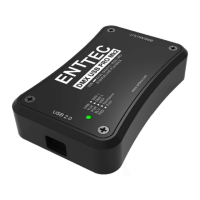
1-Plug in the DMX USB Pro. If the green light stays on, this
usually means that the DMX USB Pro is waiting for new firmware.
To confirm, please try unplugging and plugging back into the
computer. If that fails to correct your problem, you will need to re
flash the firmware. See the section in this manual on Upgrading
the Firmware, or to read the latest on this topic at our website,
point your browser to http://www.enttec.com/support-
center/index.php?x=&mod_id=2&root=5&id=33
2-The green light is
off but no programs
find it:
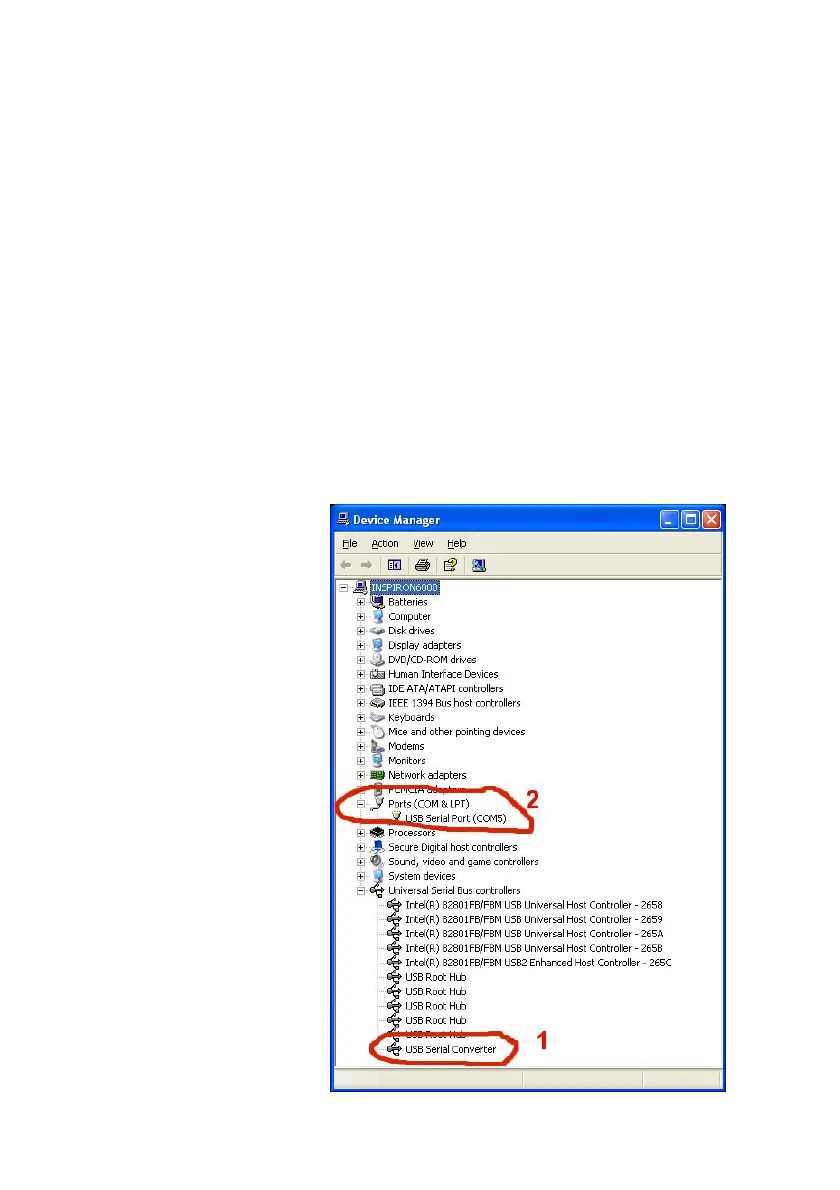
Please open the
windows device
manager and check
that you have items
1 & 2 as shown in
the image to the
right.
3-If items 1 & 2 are
not identical (your
device might appear
on a different COM
port eg: COM8) on
your system please
install the VCOM
driver. This can be
found on the
17


 To Next Page