EO Mini Pro 2 User Manual
© EO Charging 2020 7
It is possible to disable the charger so that if a vehicle is connected, then it won’t
charge. This option is useful if the owner is going away on holiday and doesn’t
want a neighbour to charge whilst they are away.
In order to disable the charger, simply press the padlock on the main screen.
When a vehicle is plugged in the it won’t charge.
3.3
Disable Charger.
3.4
State of Charge.
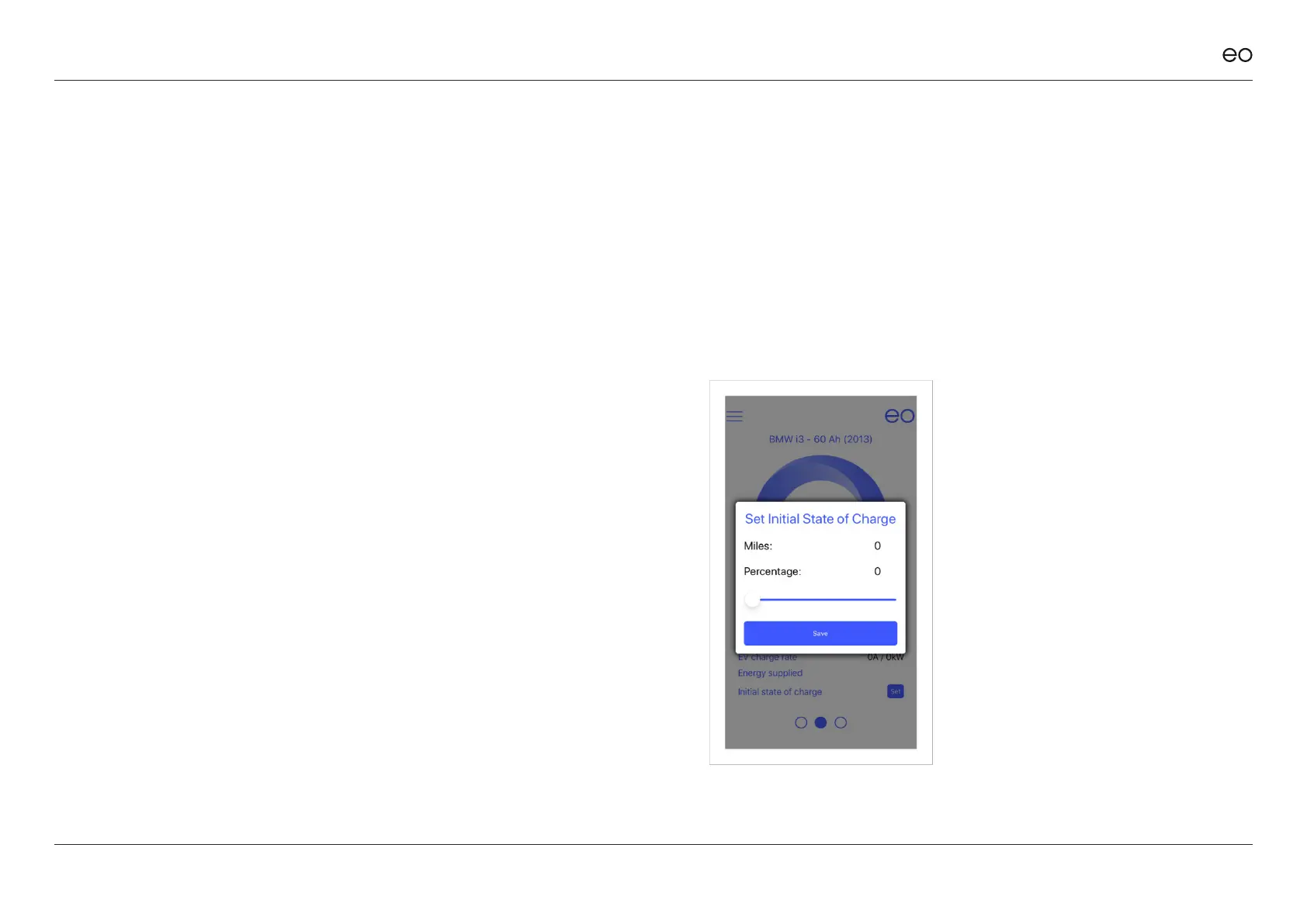
When a vehicle is charging or plugged in, then it is possible to set the state of
charge of the vehicle at each plugin. If no state of charge is entered, then the
system assumes 0%. The state of charge can be entered by two mechanisms:
1. Tapping the % in the centre of the circle
2. Tapping on the “set” button
NOTE:
The EO Mini Pro 2 cannot
automatically detect the state of
charge for the vehicle. Therefore,
this piece of information must be
manually entered into the app by
the end user. If not, then 0% is used.



 To Next Page