24 September 2019
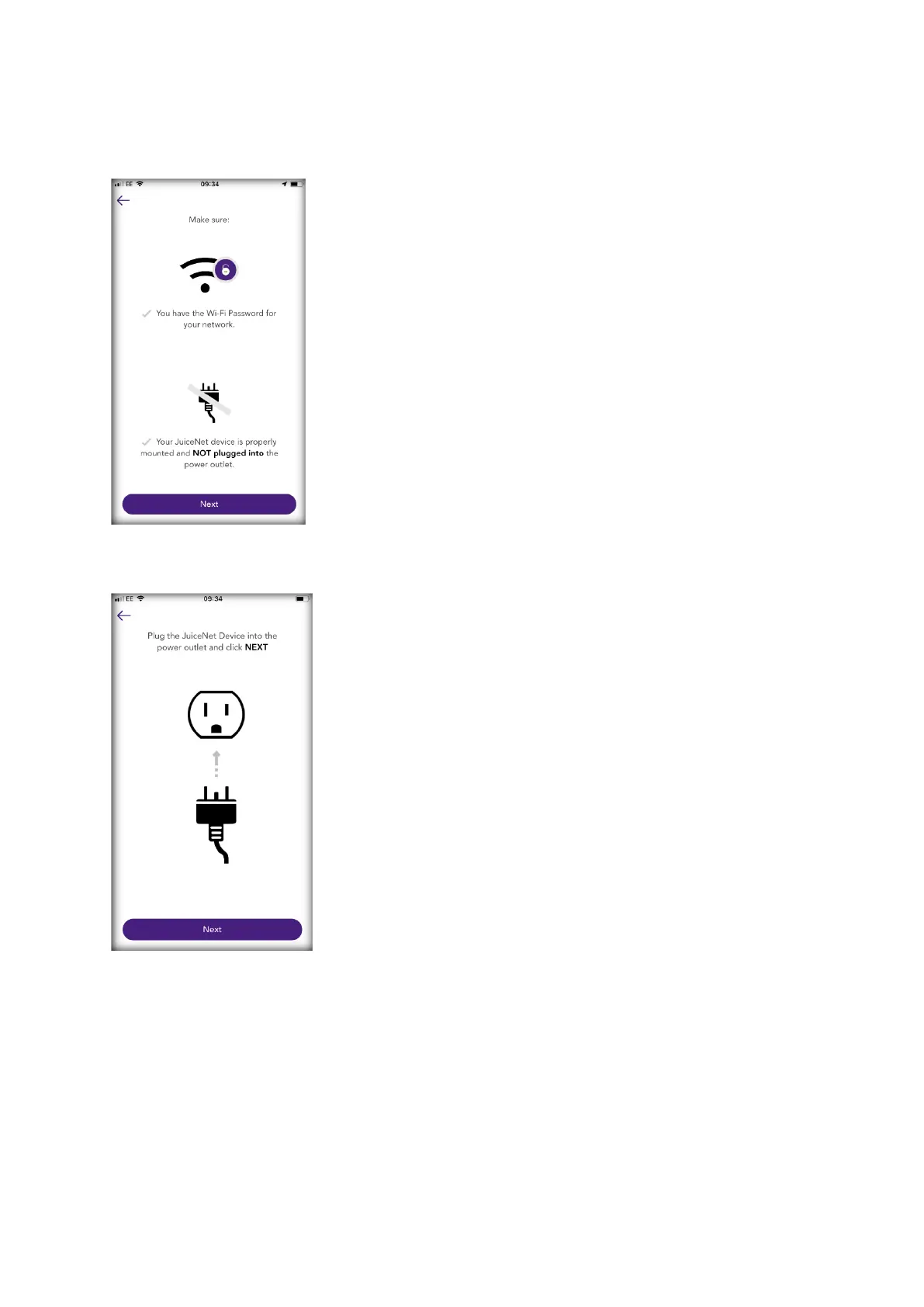
5) Have the WiFi network password ready, then turn off the circuit breaker for the EO Mini Pro. In the app,
select Next.
6) Turn on the circuit breaker for the EO Mini Pro. In the app, select Next
Note: After powering the EO Mini Pro, steps 7 through 9 must be completed within 2 minutes.
7) Connect to the EO Mini Pro’s WiFi network.
a. Navigate to the WiFi settings on your mobile device. Connect to the "JuiceBox-###" or "JuiceNet-
###" WiFi network. If the network requires a password, use the password "GoElectric" (case-
sensitive).
Note: The actual name of the network varies by device, such as "JuiceBox-123".



 To Next Page