24 September 2019
2 Installation Instructions the EO Mini Pro
2.1 Physical Installation Instructions
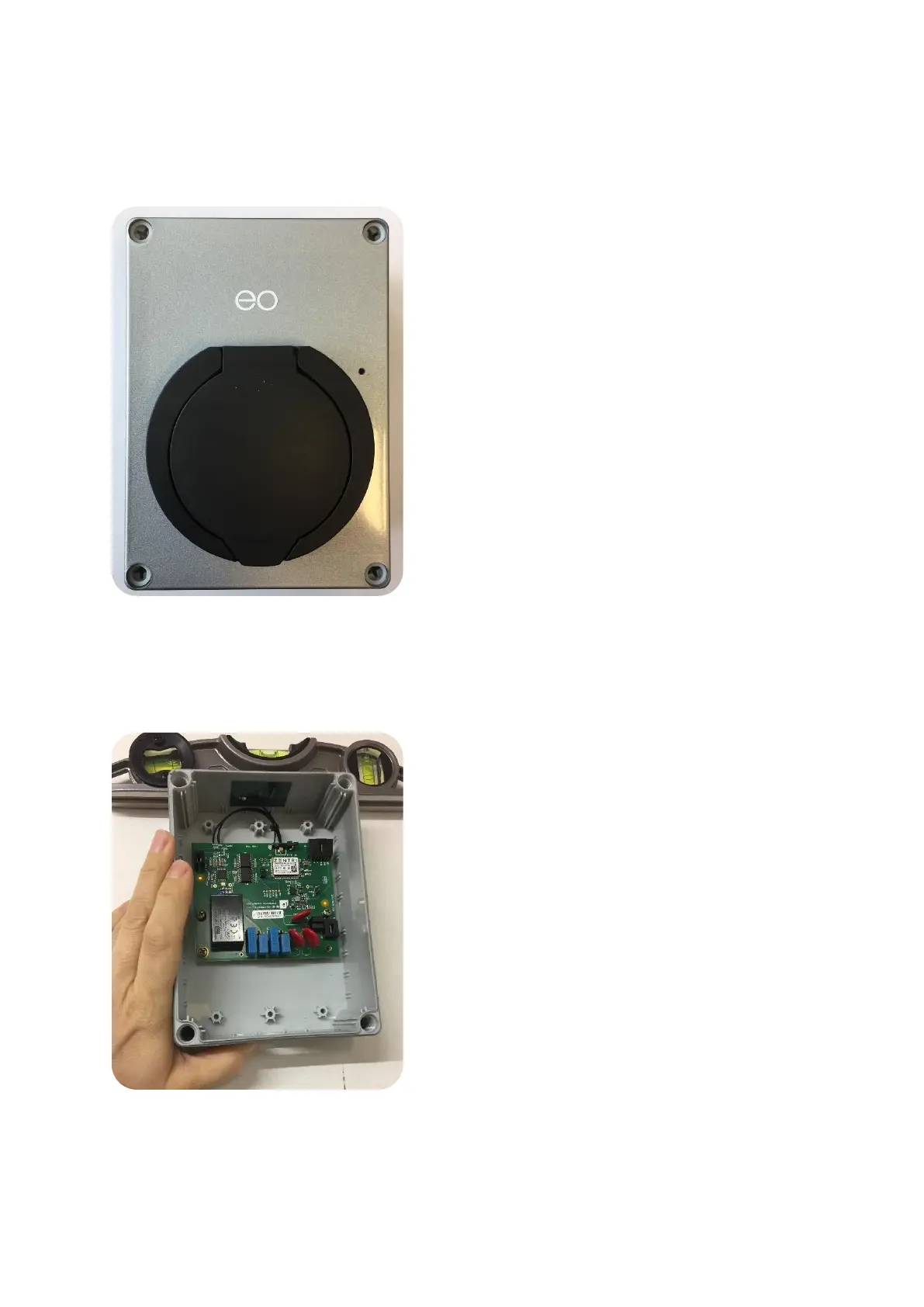
1) Remove the EO Mini Pro from the packaging. Undo the 4 screws in the corners and place the front of the EO
Mini Pro in a safe place.
2)
3) Offer the back of the EO Mini Pro up to the installation location; make sure the surface is flat and level.
Level the EO Mini Pro back and mark the position of the 4 holes. Take the EO Mini Pro back away and drill
the four holes. Do NOT drill through EO Mini Pro back or back screw holes. We suggest using a 6mm
masonry drill bit if affixing to brickwork etc.
4)



 To Next Page