21
Note:
Please make sure that your phone supports Google services and wireless Android Auto.
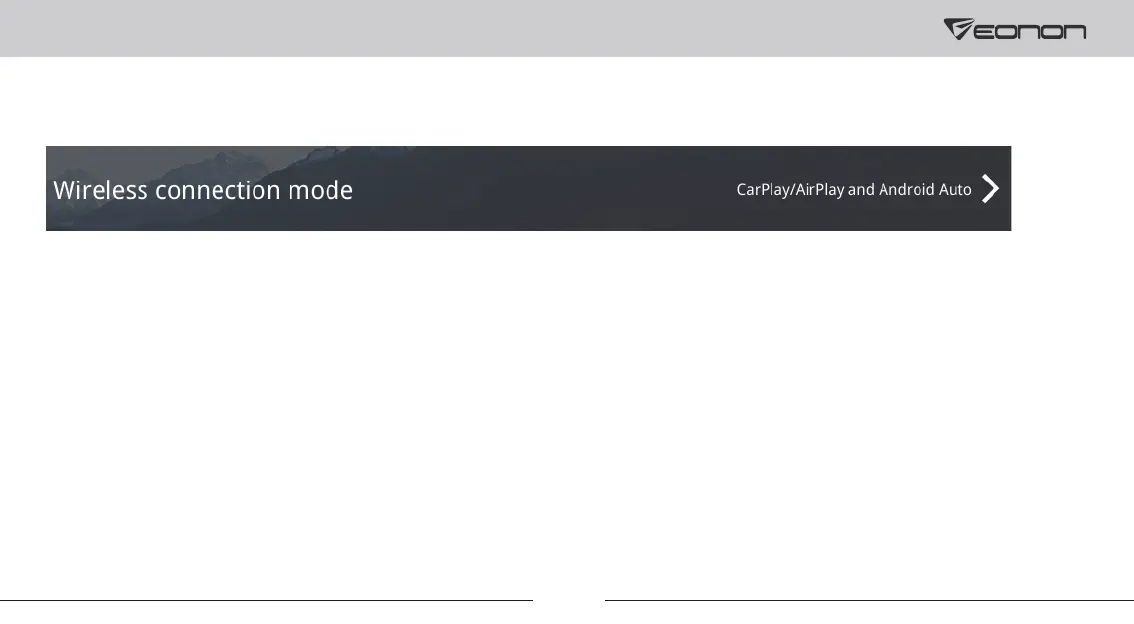
② Go to “Settings-->Smart phone-->Wireless connection mode” and select “CarPlay/Airplay and Android Auto” on
the car stereo.
③ Turn on WiFi and Bluetooth of your iPhone.
④ Find Bluetooth of the head unit (Bluetooth name: Eonon) on your phone and connect to it.
⑤ You can access Android Auto after connecting to Bluetooth successfully.



 To Next Page