24
Note:
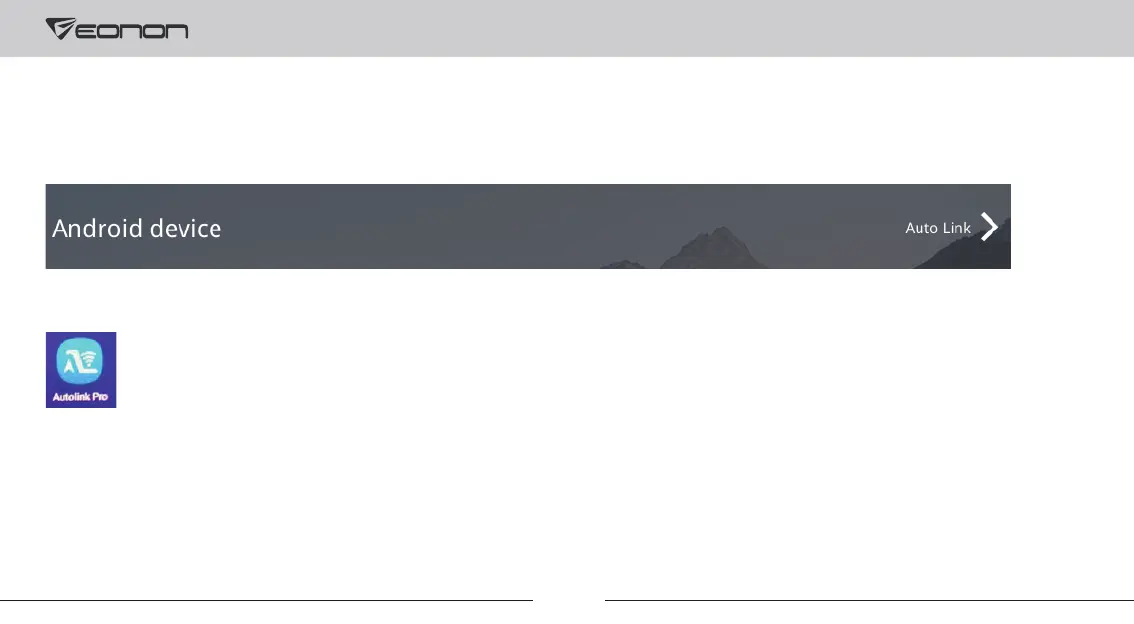
Please make sure to install the Autolink Pro app on your phone, or screen mirroring will not be available.
3. Screen Mirroring
Setup steps of wired Autolink for Android:
① Go to “Settings-->Smart phone--> Android Device” and select “Autolink” on the car stereo.
② Go to the Google Play and install the Autolink Pro app on your phone.
③ Connect the USB cable of your phone to the USB port of the head unit, and tap on your phone to grant permission
of Autolink Pro app.



 To Next Page