25
Note:
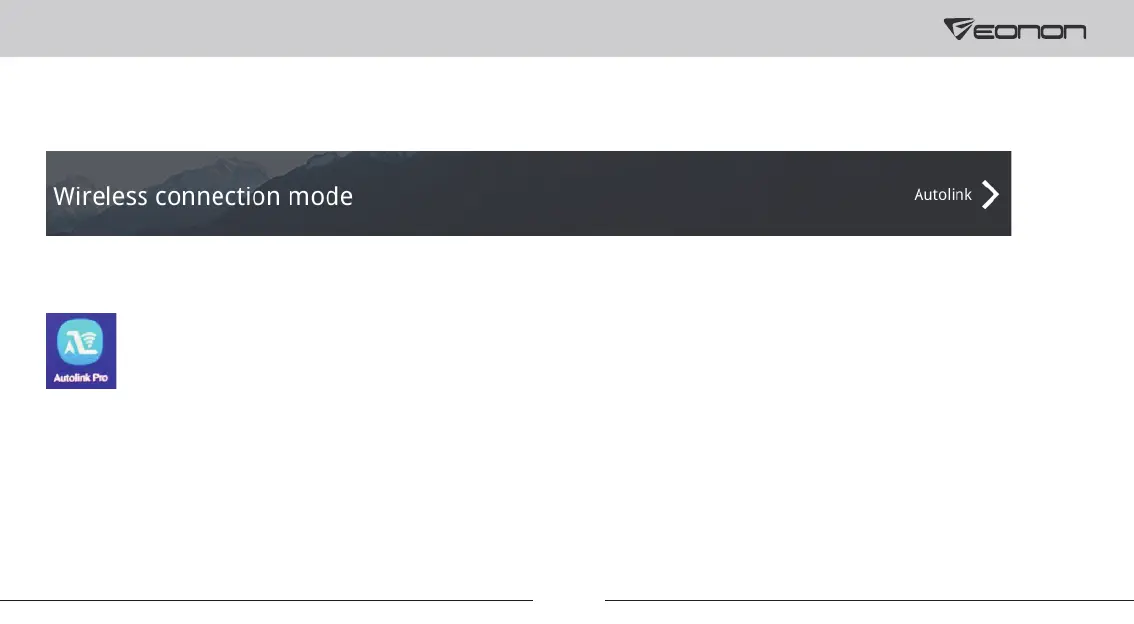
Please make sure to install the Autolink Pro app on your phone, or screen mirroring will not be available.
Setup steps of wireless Autolink for Android:
① Go to “Settings-->Smart phone--> Wireless connection mode” and select “Autolink” on the car stereo.
② Go to the Google Play and install the Autolink Pro app on your phone.
③ Turn on the Autolink Pro app and search for the device (Name: Eonon) to connect it.



 To Next Page