29
Settings
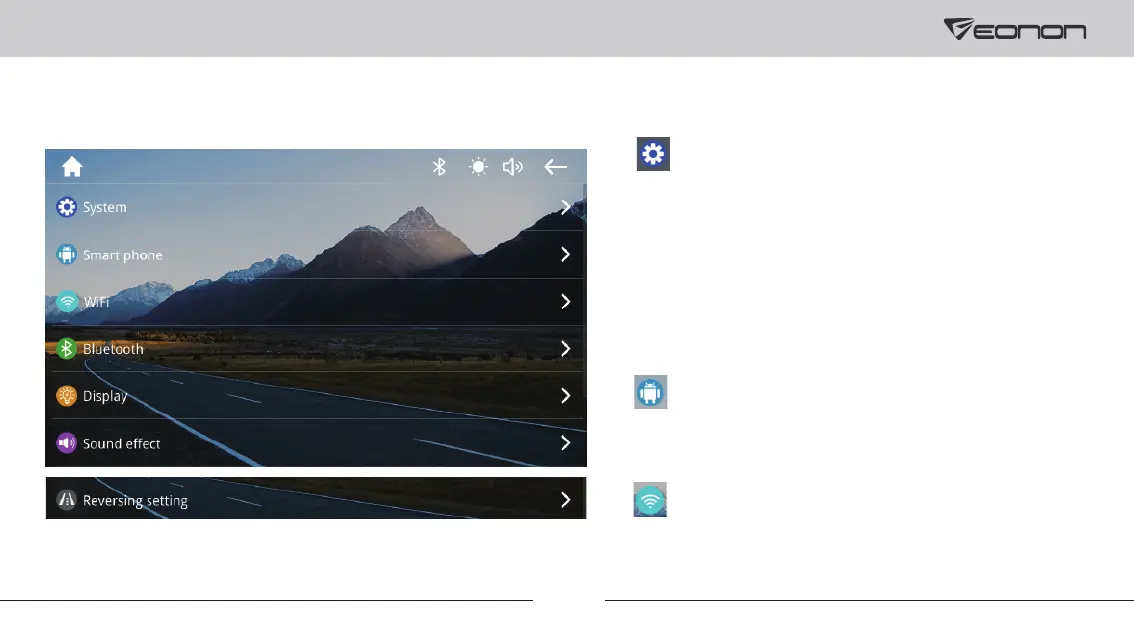
1. General settings
Language: To change the language.
System verson: To view the system version.
SDK version: To view the SDK version.
GPL version: To view the GPL version.
2. Smart phone
To set the functions connected through the phone.
3. WiFi
To view the WiFi name and password.



 To Next Page