19
Pairing your gateway to your Internet (Con’d)
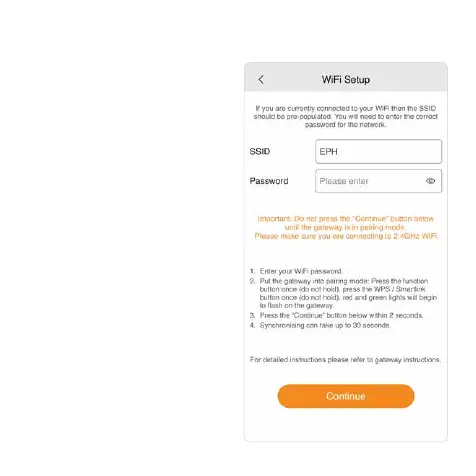
4. Enter WiFi password.
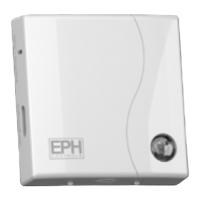
5. On the gateway:
Press the Function button once
(do not hold).
Press the WPS / Smartlink button
once (do not hold).
Red and green lights will begin to
ash on the gateway.
6. On your mobile device:
Immediately press ‘Continue’.
When successful the lights on the
gateway will be solid green and
you will progress to the Gateway
Code screen.
Synchronising can take 30
seconds - 1 minute.
7. If pairing is unsuccessful, please
repeat steps 5 & 6.


 To Next Page