7
Pairing your programmer to your gateway
Complete this step before pairing your thermostats to your programmer
1. Reset your router by switching it
o and on.
2. On the Programmer, press the
button for 5 seconds.
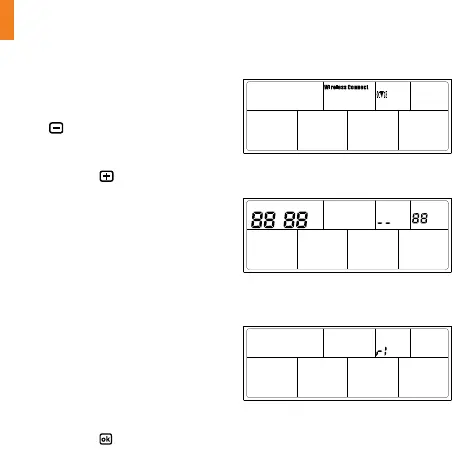
3. ‘Wireless Connect’ will appear on
the screen. Figure (6-a)
4. Press the
button for 3
seconds. You will now enter the
gateway connection screen.
5. A four digit code will alternate
on the screen. Figure (6-b)
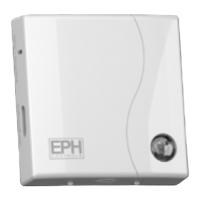
6. On the Gateway, press and hold
the ‘Function’ button for 10
seconds.
7. Red and green LEDs on
the gateway will both ash
simultaneously every 1 second.
8. On the Programmer – ‘r1’
appears on the screen.
Figure (6-c)
9. Wait for the LEDs on the gateway
to stop ashing.
10. Press the
button.
Figure (6-a): ‘Wireless Connection’ screen
Figure (6-b): ‘Gateway Connection’ screen
Figure (6-c): ‘Gateway Connection’ screen


 To Next Page