18
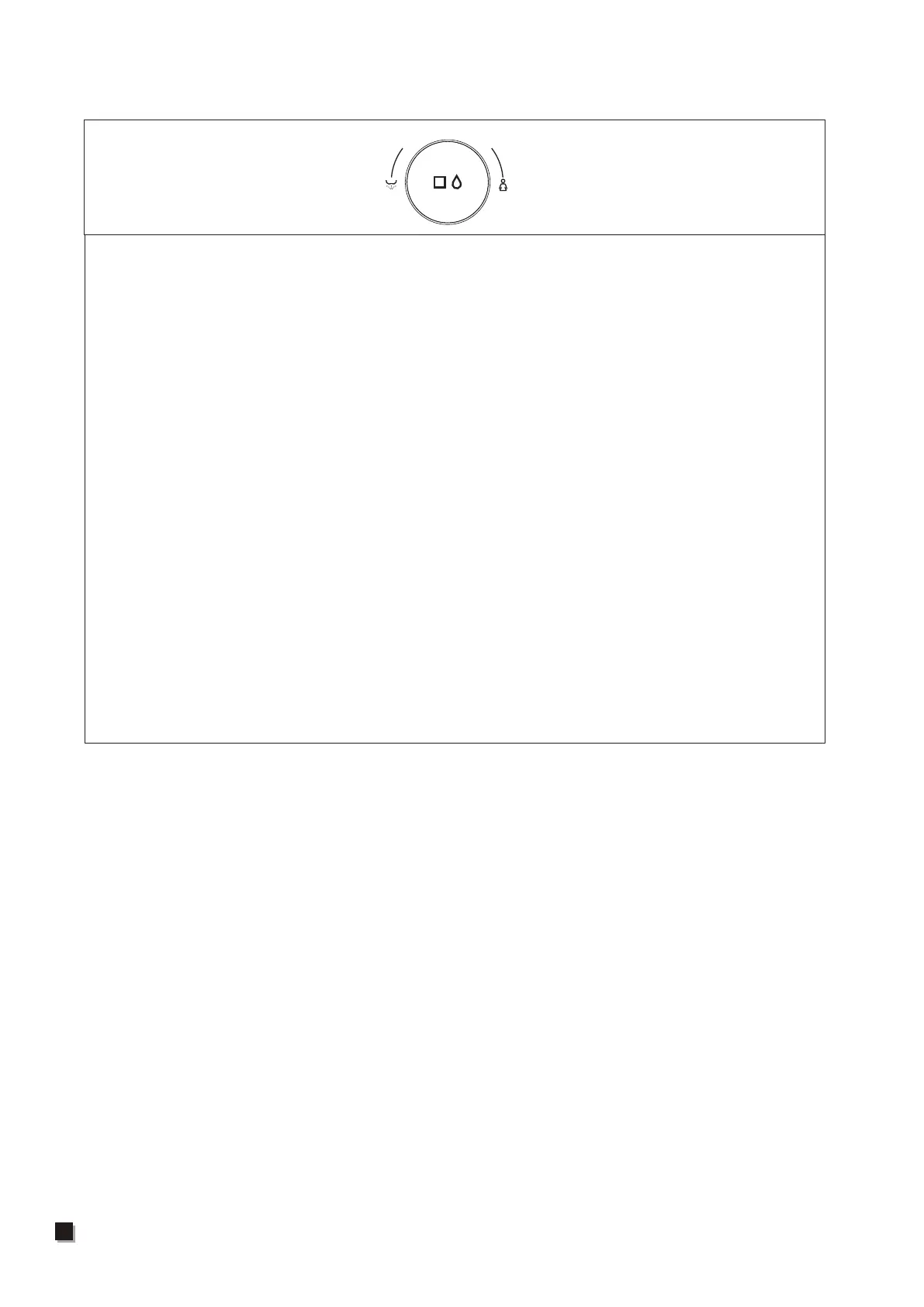
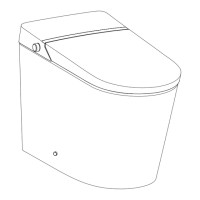
The main unit rotation function description
Note: When the main unit is turned on, all function gears default to the middle gear.
If the remote control is used, it will switch to the function gear set by the remote control.
1. With seated, rotate the knob clockwise to activate the front washing function,
and rotate the knob counterclockwise to activate the rear washing function.
2. When the human body is seated and the function is not turned on, press and
hold the knob of the main unit to turn on the drying function.
3. Without seated,rotate it clockwise to activate the manual cleaning function of
the nozzle.
4. After starting the rear washing and front washing functions, rotate the knob
clockwise to extend the spray rod, and rotate the spray rod counterclockwise
to retreat.Press and hold the knob to switch to the water pressure adjustment
function. At this time, rotating clockwise will increase the water pressure, and
rotating counterclockwise will reduce the water pressure.(Note: In the rear or
front washing state, long press the knob to switch between the water pressure
adjustment and spray rod position adjustment functions.)
5. After starting the drying function, rotate clockwise to increase the air
temperature, and rotate counterclockwise to decrease the air temperature.
6. In functional mode, when performing rear washing, front washing, drying or
nozzle cleaning functions, short press the knob to stop the function. Outside
the above functions, short press the knob to perform the toilet flushing function.
7. In operating mode (when no one is sitting), press and hold the knob to enter
the standby state.
8. In standby mode, you can enter normal operating mode by long pressing or
short pressing the knob.
EP-U8PRO/U9PROEP-U8PRO/U9PRO



 To Next Page