EN
EN
WIRED MODE
Press Fn+5%, the keyboard enters to the wired mode successfully.
CHECK BATTERY
Hold Fn+Spacebar, the keys from 1! to 0) lights up to show the battery percentage; for
example, if the keys from 1! to 6^ light up when holding Fn+Spacebar, it means that
the battery life is currently 60%; if keys of 1!-0) light up, battery life is 100%.
CHECK LAYER AND MODE
Press the key combination FN+V for 3 seconds, Z/X/C lights up to show the
configuration level of the keyboard, e.g. the X key lights up, which means the
keyboard is on level 2.
CHARGING INDICATOR LIGHT (IN THE MIDDLE OF THE KEYBOARD)
Charging: Red light stays for 2 seconds then off
Charged: Green light stays for 2 seconds then off
SPECS
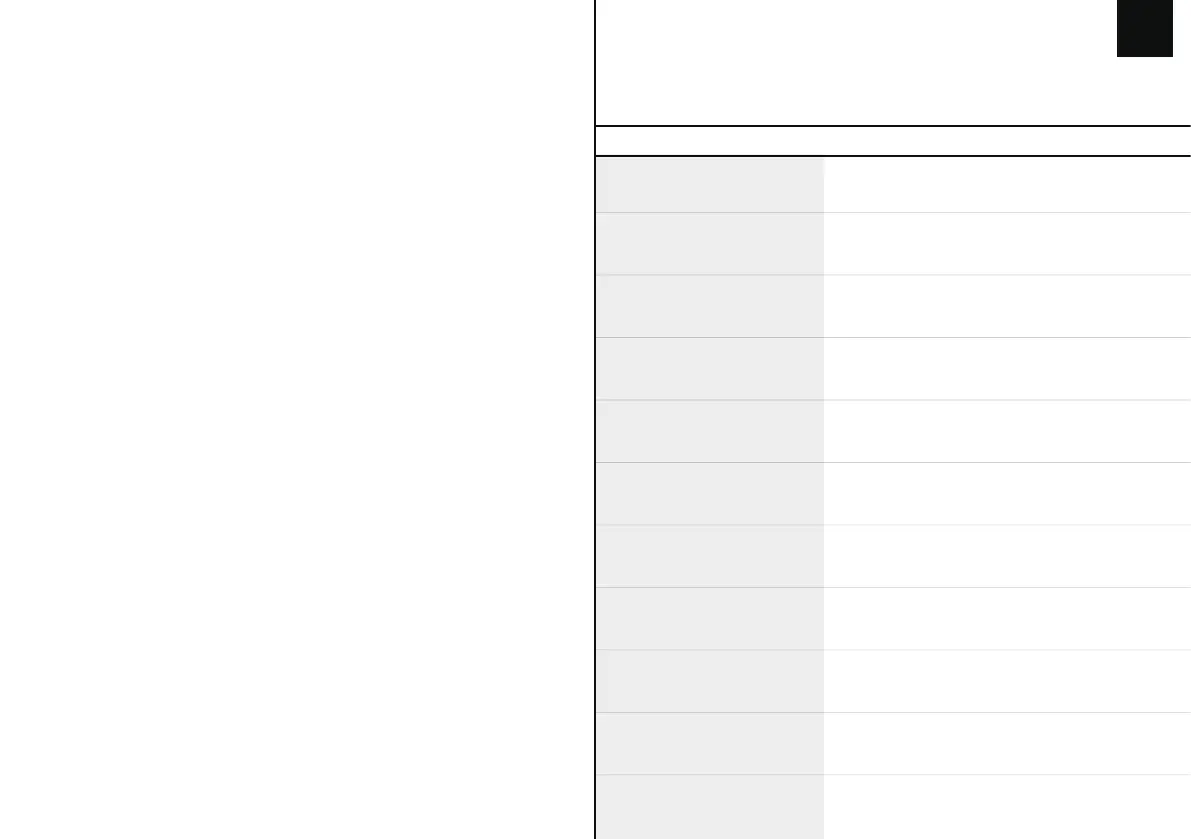
KEYSAMOUNT: 84Keys
CASE MATERIAL:
ABS Plastic
PLATE MATERIAL:
Steel
STABILIZERTYPE:
Plate-mounted
PCBTYPE:
3/5-pin HotswapPCB
BATTERYCAPACITY:
3000mAh
CONNECTIVITY: Type-CWired, 2.4&BluetoothWireless
ANTI-GHOSTKEY:
NKROinallmodes
COMPATIBILITY: WINDOWS/MAC
DIMENSION: 310x116x35mm
WEIGHT:
Around0.82kg



 To Next Page