Epomaker GK68 Extended Manual 10/07/20
button. To disconnect/reconnect the keyboard, press the same button until the button turns
white.
MacOS Bluetooth
Note: make sure your device is discoverable and turned on.
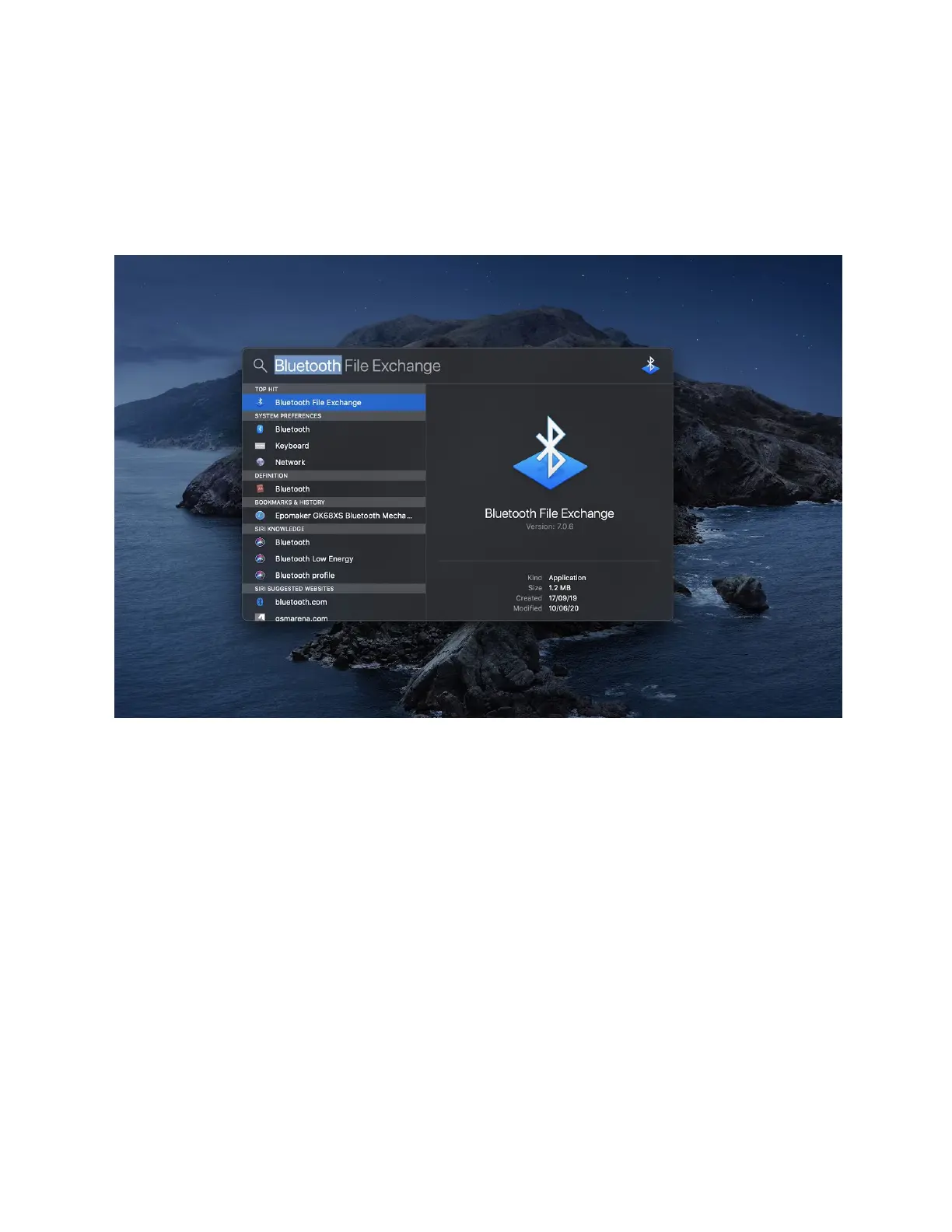
1. Press Command + Space to open Search
2. Type “Bluetooth” into the Spacebar, select “Bluetooth” (Don’t select Bluetooth File
Exchange).
3. Hold the desired pairing button you would like on your keyboard. You can connect up to
three devices, so either hold FN + Z, FN + X, or FN + C until the LEd starts flashing
green/red.
Version 1.2 15



 To Next Page