Epomaker GK68 Extended Manual 10/07/20
Troubleshooting
Frequently Asked Questions
This section will answer some general questions that I have seen coming up in support threads
and on the Discord. You can contact us via support@epomaker.com if you’re still having issues
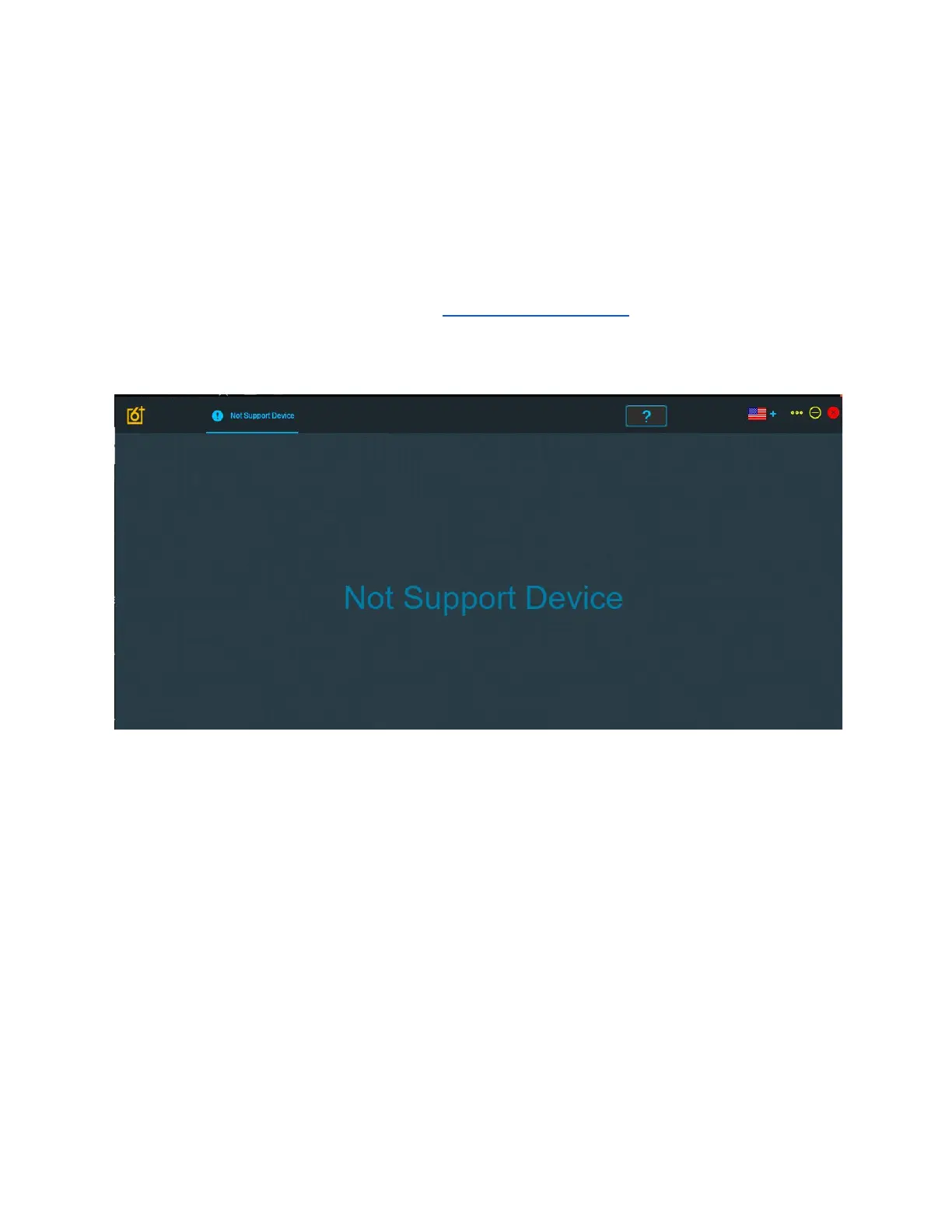
I see “Not Support Device”
In this circumstance, there could be a few things to look into to figure out why the computer isn’t
detecting the keyboard.
1. Please check that you are plugging the device into a USB-A to USB-C with the given
cable. This means that the keyboard DOES NOT directly support USB-C to USB-C
connections or other connections such as PS/2. You can overcome this by using a
dongle to connect to a Mac, but we can’t ensure that a third party dongle will be
supported.
2. If you see this try to reinstall the software, and then restart your computer and reinstall it
again.
3. Try another USB-A port on the device, and if possible, try connecting it to another device
to try and see if its a computer hardware issue or a problem with the keyboard itself.
Combination of the FN key + Another key
You cannot use the FN key to make combinations with other keys. The keys that are currently
available to use as the base key for a combination include but are not limited to: LCtrl, LShift,
Version 1.2 60



 To Next Page