Epomaker GK68 Extended Manual 10/07/20
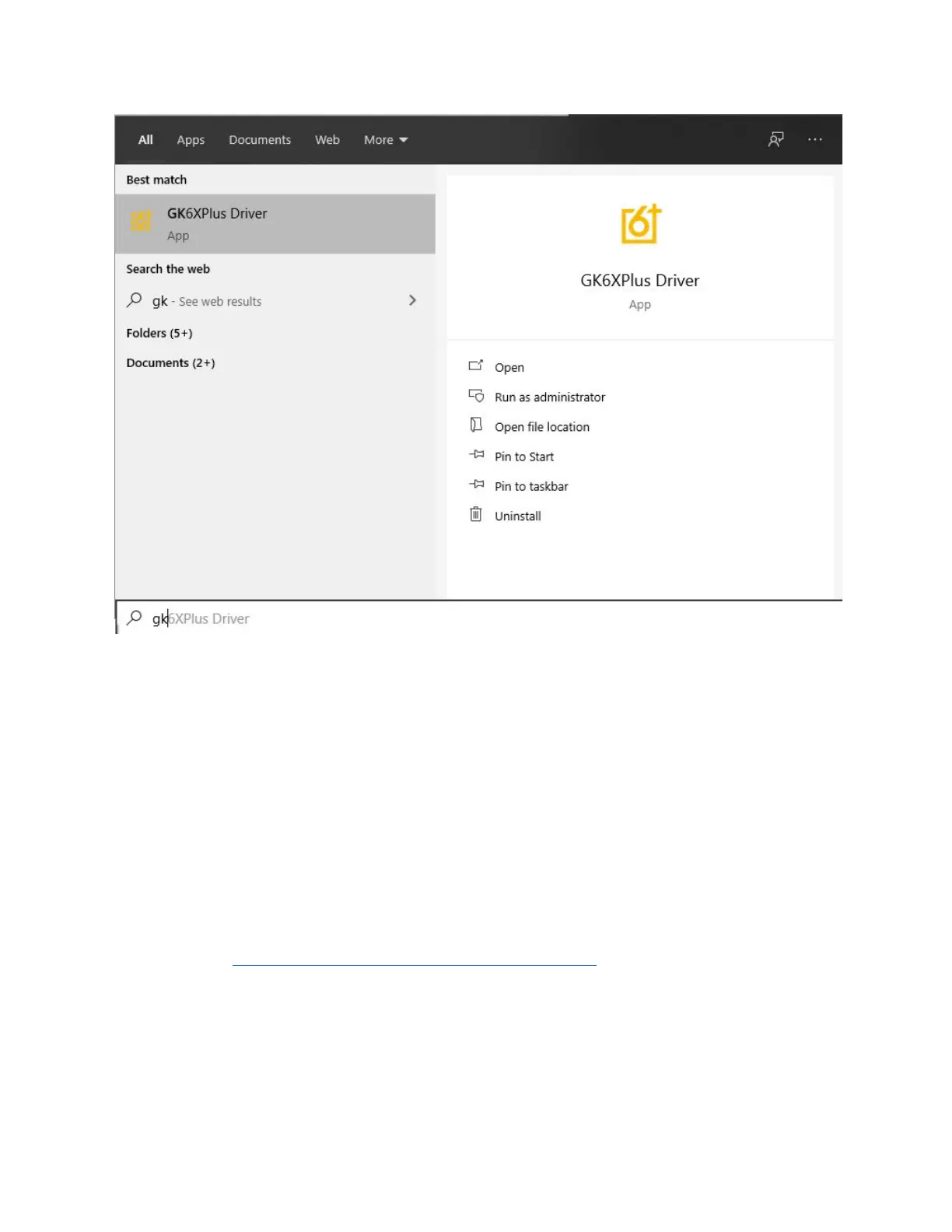
5. Launch the software by searching “GK68Plus Driver” in the search bar.
MacOS and Linux Download (GUI):
https://github.com/pixeltris/GK6X
In order for the keyboard to interface with the software, you’re going to need to have the
keyboard in wired mode if you want to change the driver layer.
Make sure you are using the cable that came with the keyboard, the keyboard can only
communicate with the software via USB-A to USB-C. If you’re using MacOS, you can use a
dongle to overcome this.
1. Head to https://www.mono-project.com/download/stable/ to download Mono, which is
required for running the Mac version.
Version 1.2 19



 To Next Page