Epomaker GK68 Extended Manual 10/07/20
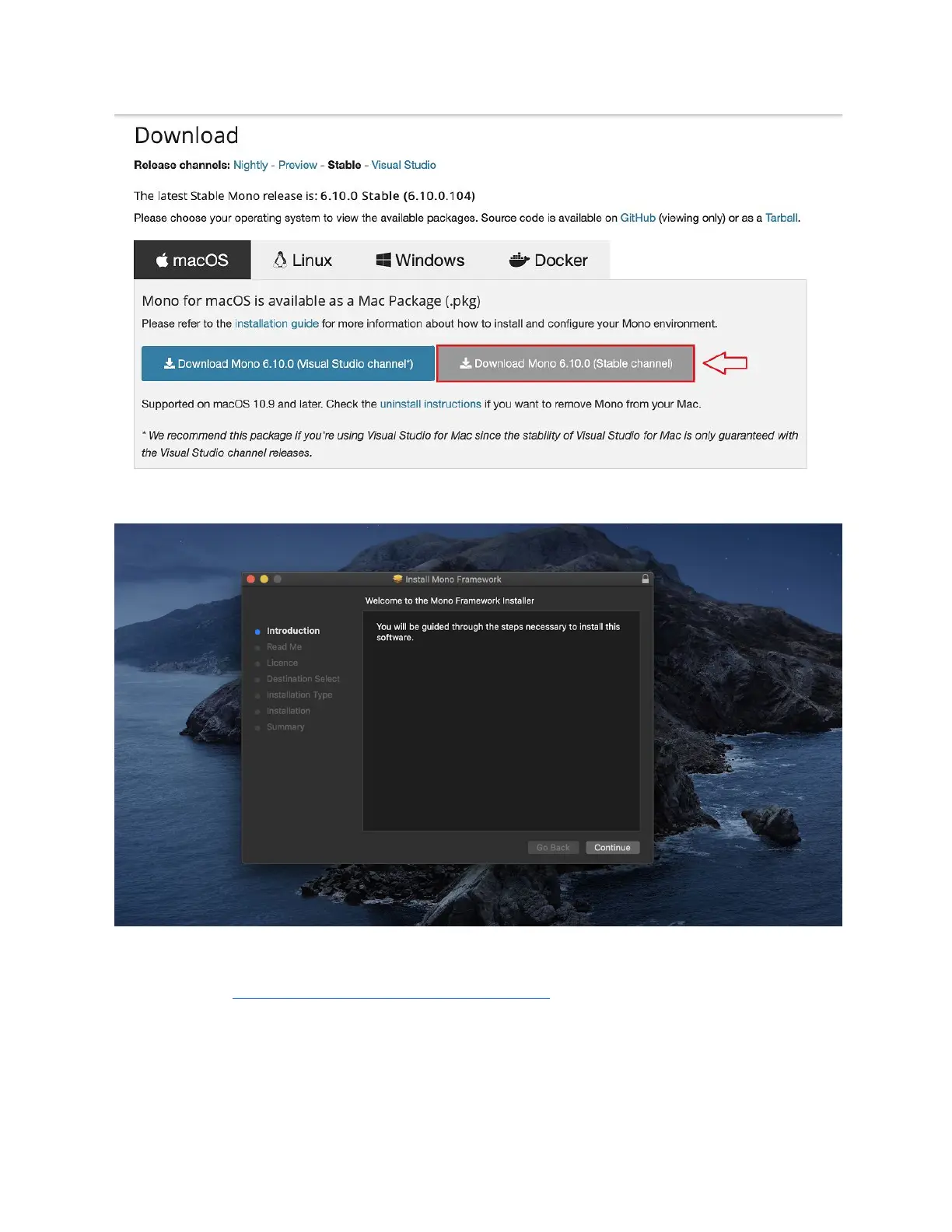
2. Click to download the “Stable channel”
3. Click the file in your download folder, you should see an installer launch, run through the
installer and install mono.
4. Head to https://github.com/pixeltris/GK6X/releases, here you should download the latest
release with the filename “GKL6X-XX-GUI.zip” With “XX” being the most recent release.
Version 1.2 20



 To Next Page