-20-
2. Virtual COM (RS232 Serial Emulation) port settings
● Installation
1. Visit www.easyset.org and download the file from ‘Others’ -> ‘Virtual Serial Driver for A7’.
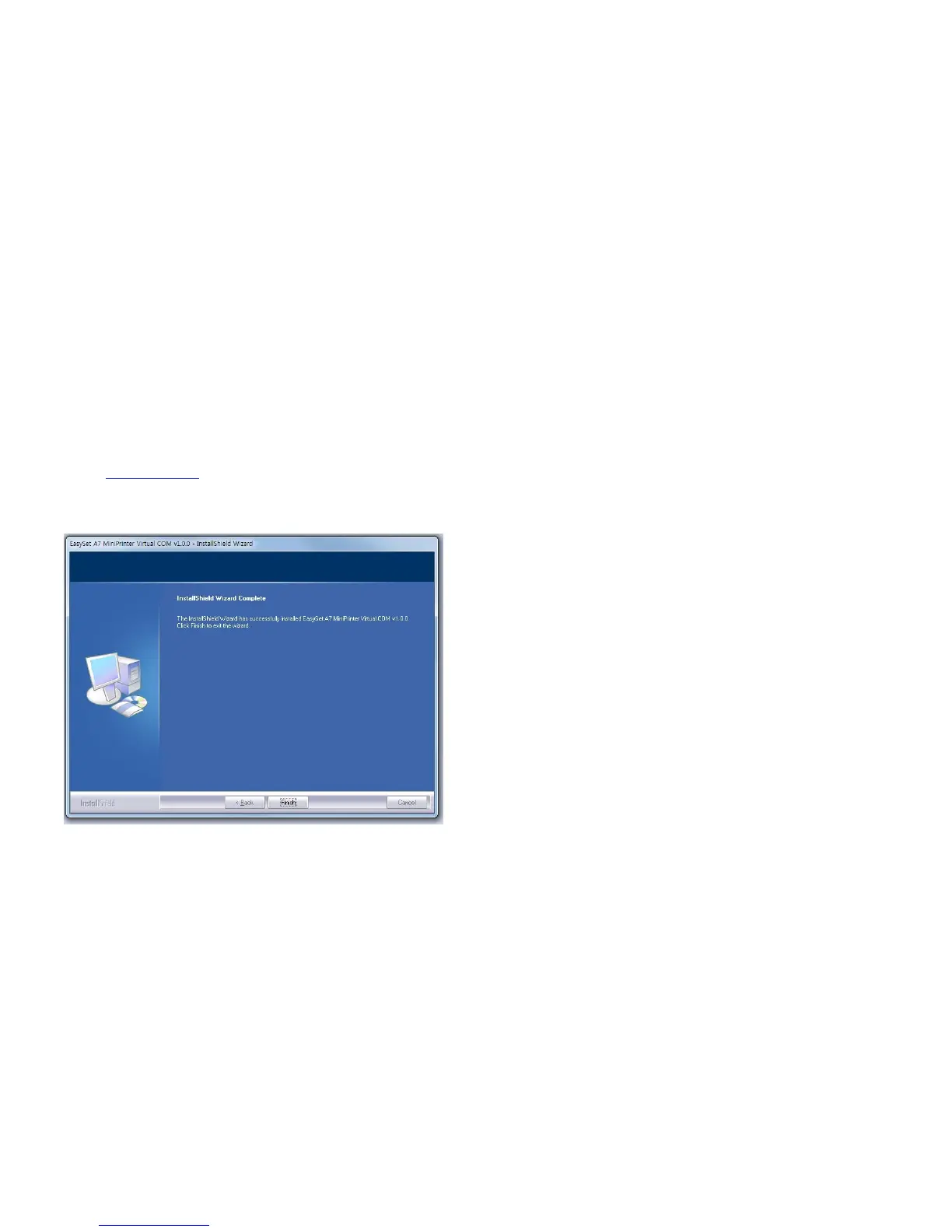
2. Double click the file and proceed Install the A7 Virtual Serial Driver.
After installation is complete, connect the A7 USB cable.
※ When connecting the A7 printer using this mode, Serial Emulation must
always be selected.
※ For more detailed explanations, please refer to the Setting Mode.


 To Next Page