EasyManua.ls Logo

ePropulsion NAVY - User Manual

ePropulsion NAVY
28 pages
Print Icon
To Next Page IconTo Next Page
Loading...
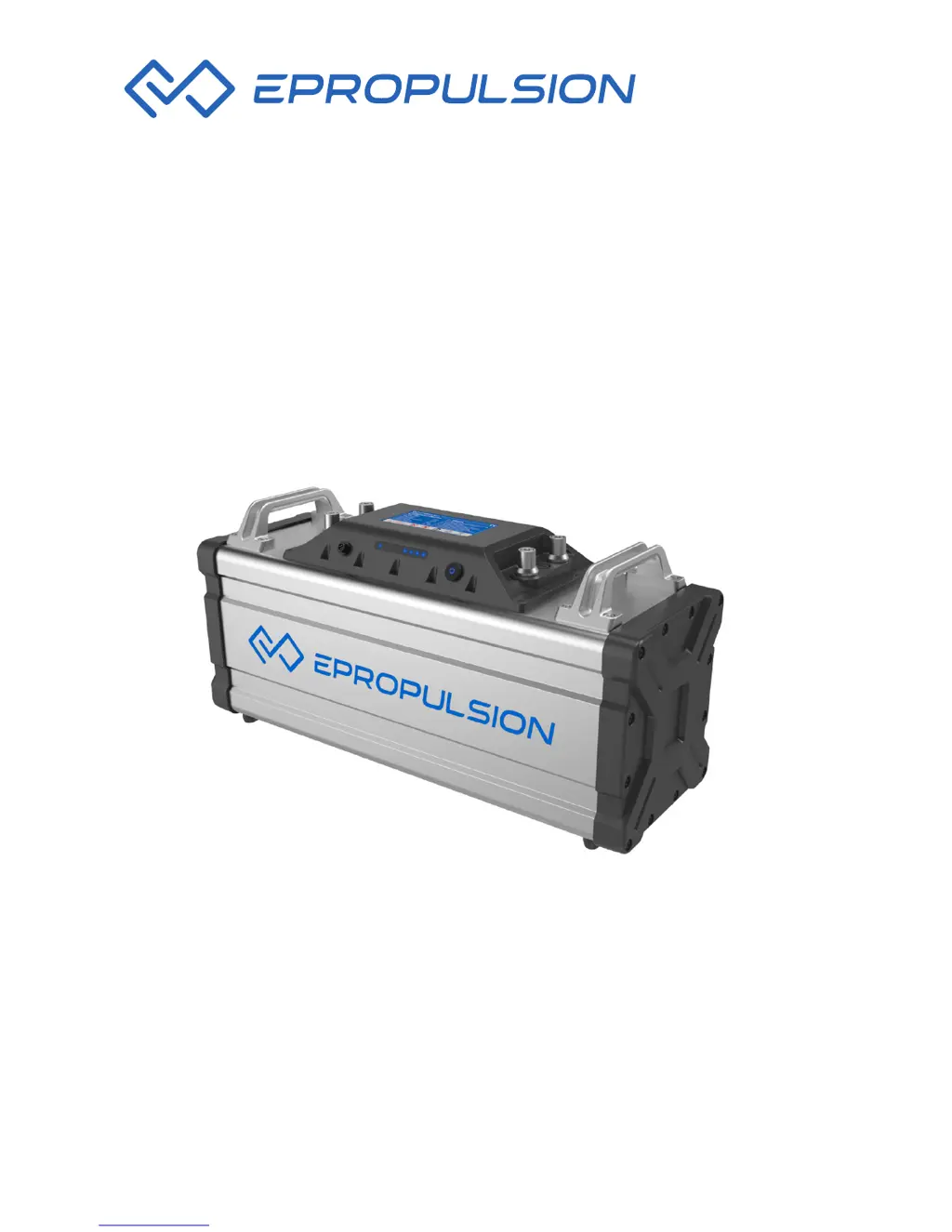
NAVY BATTERY USER MANUAL
May, 2018 Version 1.2
Copyright © ePropulsion 2014-2018 All Rights Reserved

Questions and Answers

  • J
    Jeffrey ChavezJul 27, 2025
    What to do if I see error code E56 on my ePropulsion Camera Accessories?
    • J
      John HardinJul 28, 2025
      If you're encountering error code E56 with your ePropulsion Camera Accessories, it means the communication between the NAVY Battery and NAVY outboard is broken. To resolve this, power off the system and then reconnect the communication cable.
  • A
    Adrian StoneAug 1, 2025
    What does error code E57 mean for ePropulsion Camera Accessories, and how can I fix it?
    • H
      henrysmithAug 1, 2025
      Error code E57 on your ePropulsion Camera Accessories indicates that overcurrent protection has been triggered in one or more NAVY Batteries. To fix this, power off the system and check the battery level for all batteries. If there's a significant difference in battery levels, fully charge all of them before using the accessories again.
  • T
    Tonya YoungAug 6, 2025
    Why is the discharging time so short for my ePropulsion Camera Accessories?
    • J
      jesse24Aug 6, 2025
      A short discharging time for your ePropulsion Camera Accessories could be due to a couple of reasons. First, ensure the battery is fully charged before use. If the problem persists, it might be due to battery aging and capacity loss, in which case you should replace the battery. Contact your supplier for support with a replacement.
  • A
    Amy LeonAug 12, 2025
    What does error code E06 mean on ePropulsion Camera Accessories, and how do I fix it?
    • C
      Christian RamirezAug 12, 2025
      If your ePropulsion Camera Accessories display error code E06, it means the battery voltage level is too low. You should charge the battery as soon as possible to resolve this issue.
  • E
    ehillAug 16, 2025
    What to do if my ePropulsion Camera Accessories are not charging or discharging?
    • J
      Joshua WolfAug 16, 2025
      If you're experiencing charging or discharging failure with your ePropulsion Camera Accessories, it could be due to an internal failure, in which case you should contact the dealer. Alternatively, it could be due to the battery over-temperature. If this is the case, rest the battery in proper temperature until the battery over-temperature protection resumes.
  • M
    marcus03Aug 21, 2025
    What does error code E01 mean for ePropulsion Camera Accessories?
    • E
      eatondavidAug 21, 2025
      Error code E01 on your ePropulsion Camera Accessories indicates that the battery voltage exceeds the operating range. Replace the battery with one that meets the suggested operation specifications.

Summary

Important Safety Instructions

Before Use

Safety instructions for users before operating the NAVY Battery.

Discharging

Safety guidelines specific to the discharging of the NAVY Battery.

Charging

Safety guidelines for charging the NAVY Battery.

Operation

Connecting NAVY Battery to NAVY Outboard

Instructions for connecting the NAVY Battery to a NAVY outboard motor.

Parallel Connection of NAVY Batteries

Procedure for connecting multiple NAVY Batteries in parallel.

Troubleshooting

Transport and Storage

Routine Maintenance

ePropulsion NAVY Specifications

General IconGeneral
BrandePropulsion
ModelNAVY
CategoryRemote Control
LanguageEnglish

Related product manuals