Transferring Data 28
P-5000 User’s Guide
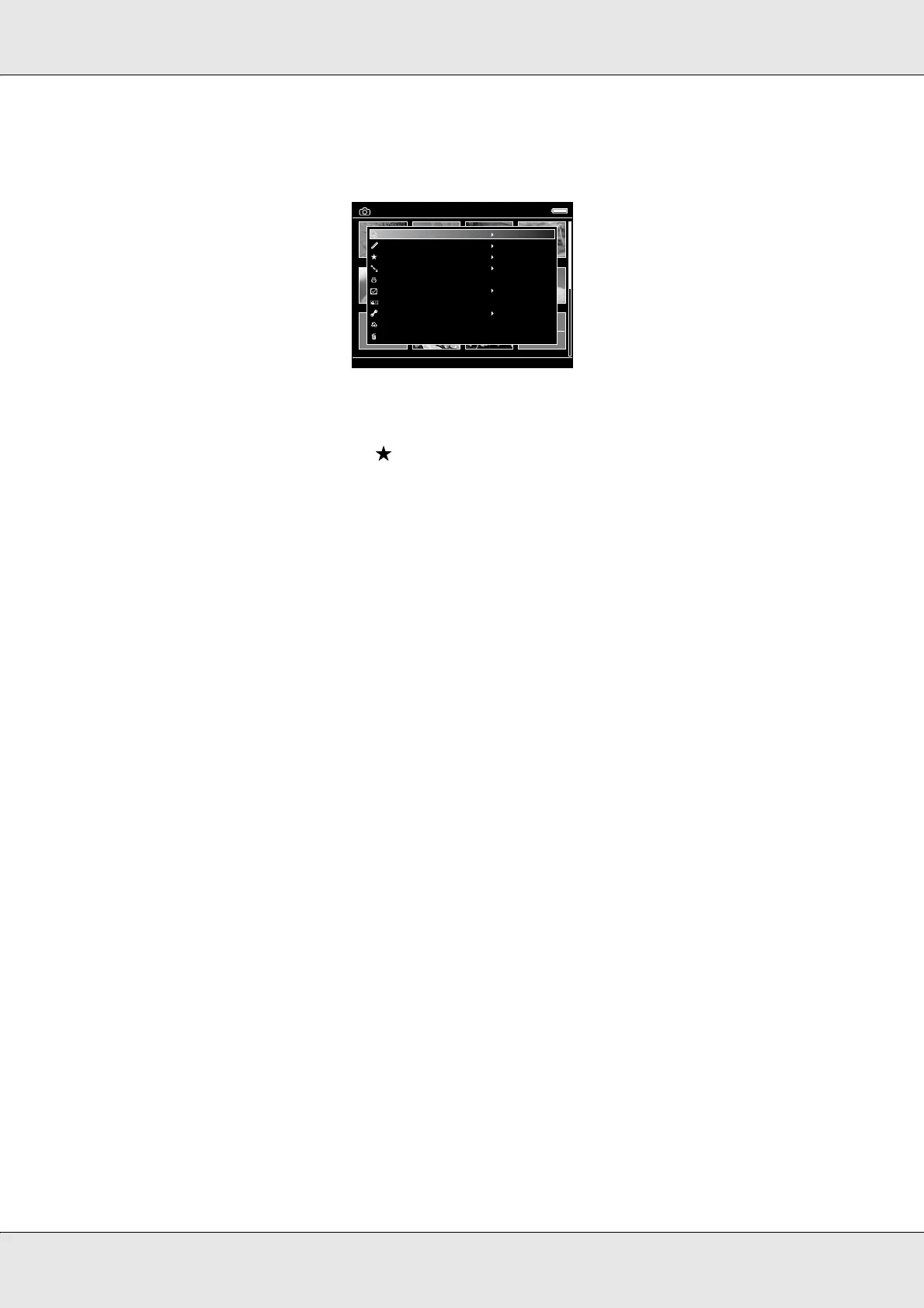
2. Press the Menu key to display the pop up menu, select Copy/Move using the Up or
Down key, then press the OK key.
3. Select Copy to USB Device using the Up or Down key, then press the OK key.
4. Use the 4-way ring and the key to enter checkmarks in the check boxes of files or
folders to back up, then press the OK key to complete.
Note:
❏ Pressing the Menu key in the thumbnails screen displays the pop up menu. You can select
either Select All or Deselect All, then press the OK key, or select Apply from the pop up
menu.
❏ When the viewer is connected to a USB device, do not connect a computer or printer to the
Slave-Mini B, or touch the connector interface.
My Photos/2006.1205
EPV2014.JPG EPV2171.JPG EPV2242.JPG EPV2269.JPG
EPV2273.JPG EPV2279.JPG EPV2283.JPG EPV2314.JPG
EPV0013.TXT EPV2619.JPG EPV2620.JPG EPV0480.MP3
Down the Black
Beaches
Copy/Move
Edit
Rate
Sort
Photo Print
Wallpaper and Icon Settings
Slide Show
Settings
Return to HOME
Delete



 To Next Page