Playing Music 50
P-5000 User’s Guide
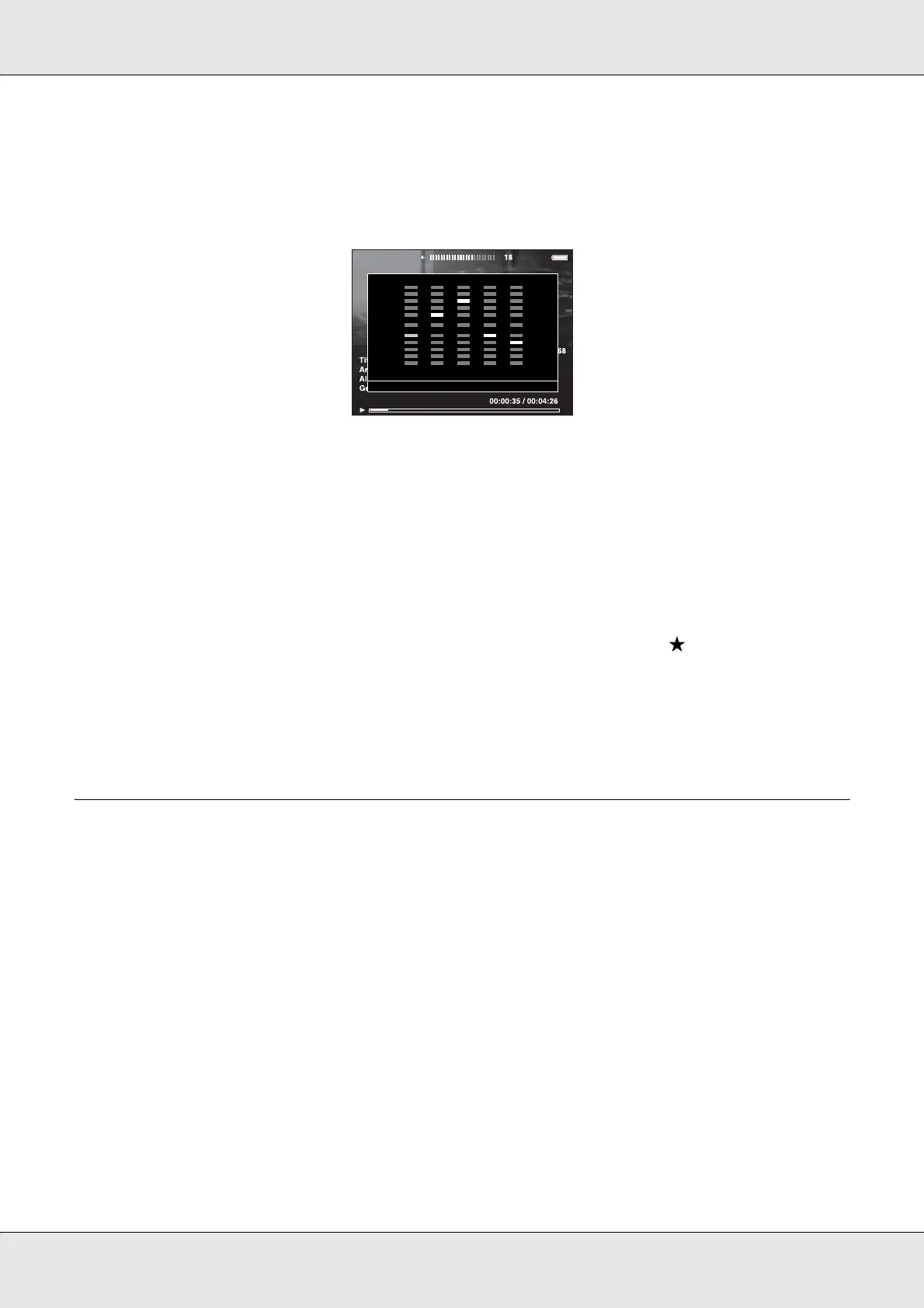
Customizing equalizer setting
Selecting Custom in Audio Equalizer Setting allows you to create your own equalizer
settings.
Adjust the level of each frequency using the 4-way ring, then press the OK key to
complete.
Deleting album tracks from the viewer
1. Press the Menu key to display the pop up menu in a track name list in a category.
2. Select Delete, audio files to delete using the 4-way ring and the key, then press the
OK key.
3. After the confirmation dialog box appears, select Yes using the Up or Down key, then
press the OK key to complete.
Creating a Playlist on the Viewer
Not only can you create a Playlist on the Epson Link2 software, you can also create them
on the viewer.
1. Press the Menu key to display the pop up menu in a track name list in a category.
2. Select Add to Playlist using the Up or Down key, then press the OK key.
3. Select Create New Playlist using the Up or Down key, then press the OK key.
+ 15
+
12
+
10
+
8
+
4
- 4
- 8
- 10
- 12
- 15
0
Bass Treble



 To Next Page