Direct Printing 55
P-5000 User’s Guide
Chapter 7
Direct Printing
Preparing to Print
You can print an image by connecting the viewer directly to a printer that is compatible with
PictBridge.
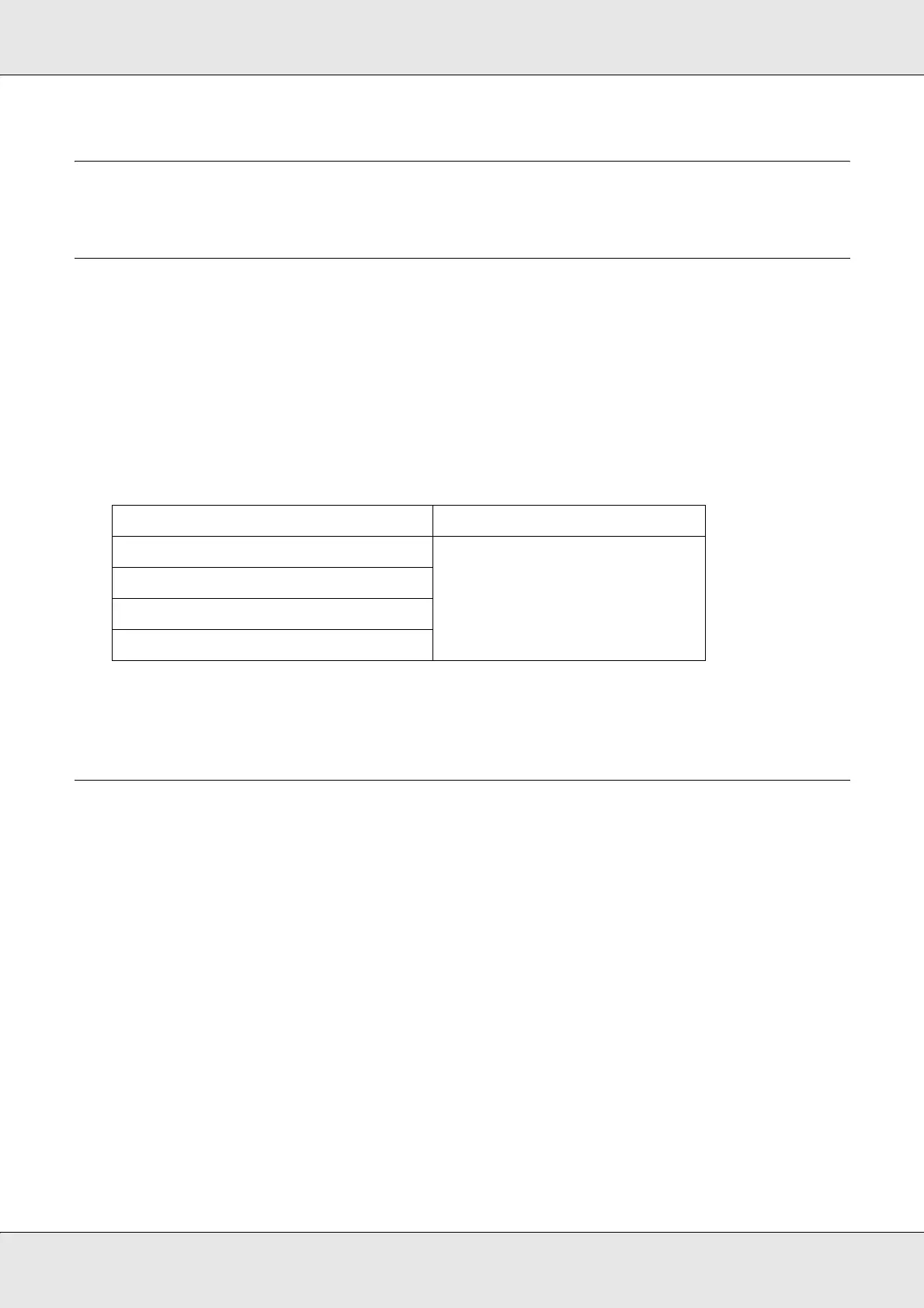
Available types of paper
The viewer supports the following sizes and types of paper.
Note:
See the printer’s manuals for details on the available kinds of paper and sizes.
Printing Photos
Setting the number of prints in the thumbnails screen
1. Press the Display key to display the thumbnails screen.
2. Select a file to print.
3. Press the Menu key to display the pop up menu.
4. Select Photo Print using the Up or Down key, then press the OK key.
Paper Size
Premium Glossy Photo Paper 4 × 6 in., 10 × 15 cm,
5 × 7 in., Letter, A4,
A3, 11 × 17 in.
Premium Semigloss Photo Paper
Ultra Glossy Photo Paper
Glossy Photo Paper



 To Next Page