Testing the Copy Station 35
Note:
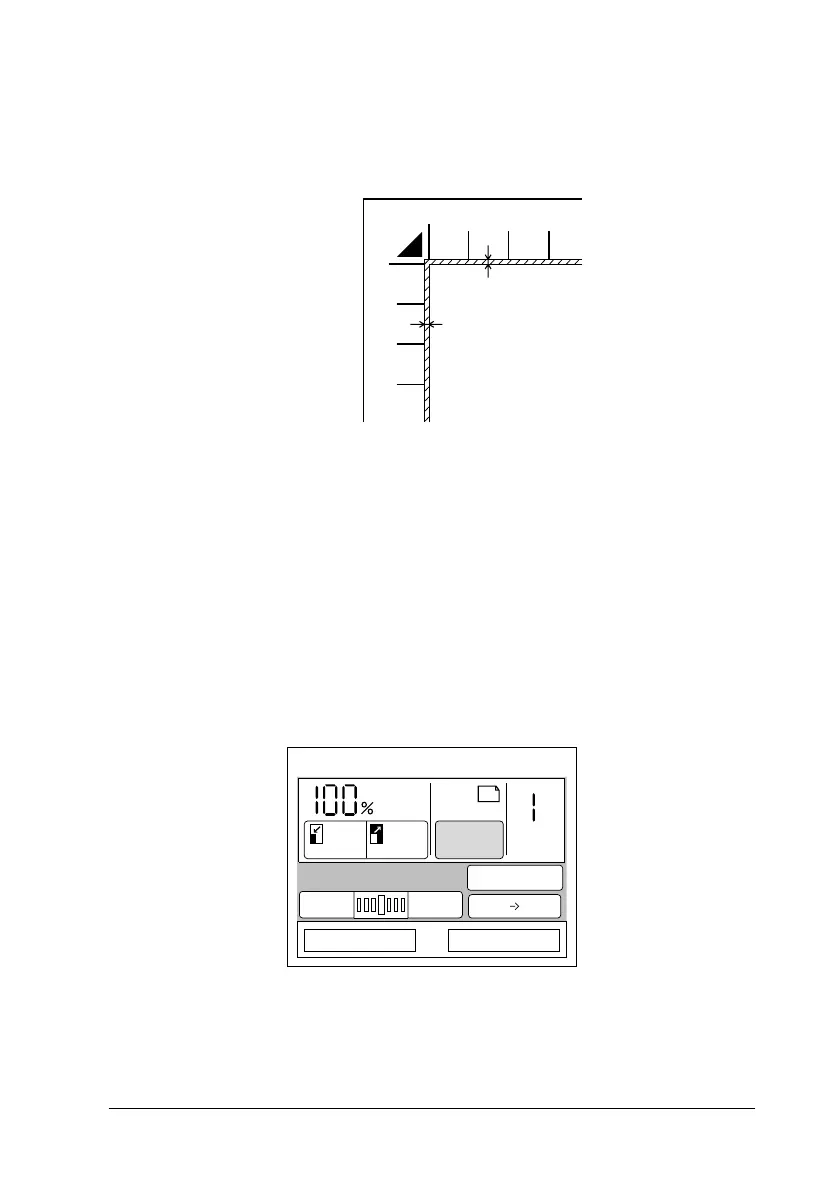
An area 2 ± 1.5 mm in from both horizontal and vertical rulers will
not be scanned.
4. Close the document cover gently so that the document does
not move.
Note:
Make sure the document is flat against the glass surface, otherwise
the image will appear fuzzy and out of focus. Also be sure to close
the document cover to prevent interference from external light.
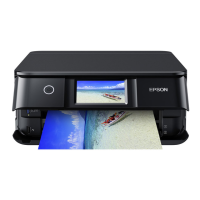
5. Press the Paper button on the touch screen.
Document
2 ± 1.5 mm
2 ± 1.5 mm
Ready to Copy
Reduce Enlarge
Plain
Copy
LC1
A4
Paper
Adjust Advanced
Type: Magazine
DarkerLighter
1-Sided 1-Sided



 To Next Page