14
6. If your application’s Print dialog box contains a Properties button, click
Properties
and go to step 7.
If you see a Setup, Printer, or Options button, click it. Then click Properties on
the next screen.
In Windows 3.1, you won’t see a Properties button; just click Setup, Printer, or
Options until you see the window in step 7.
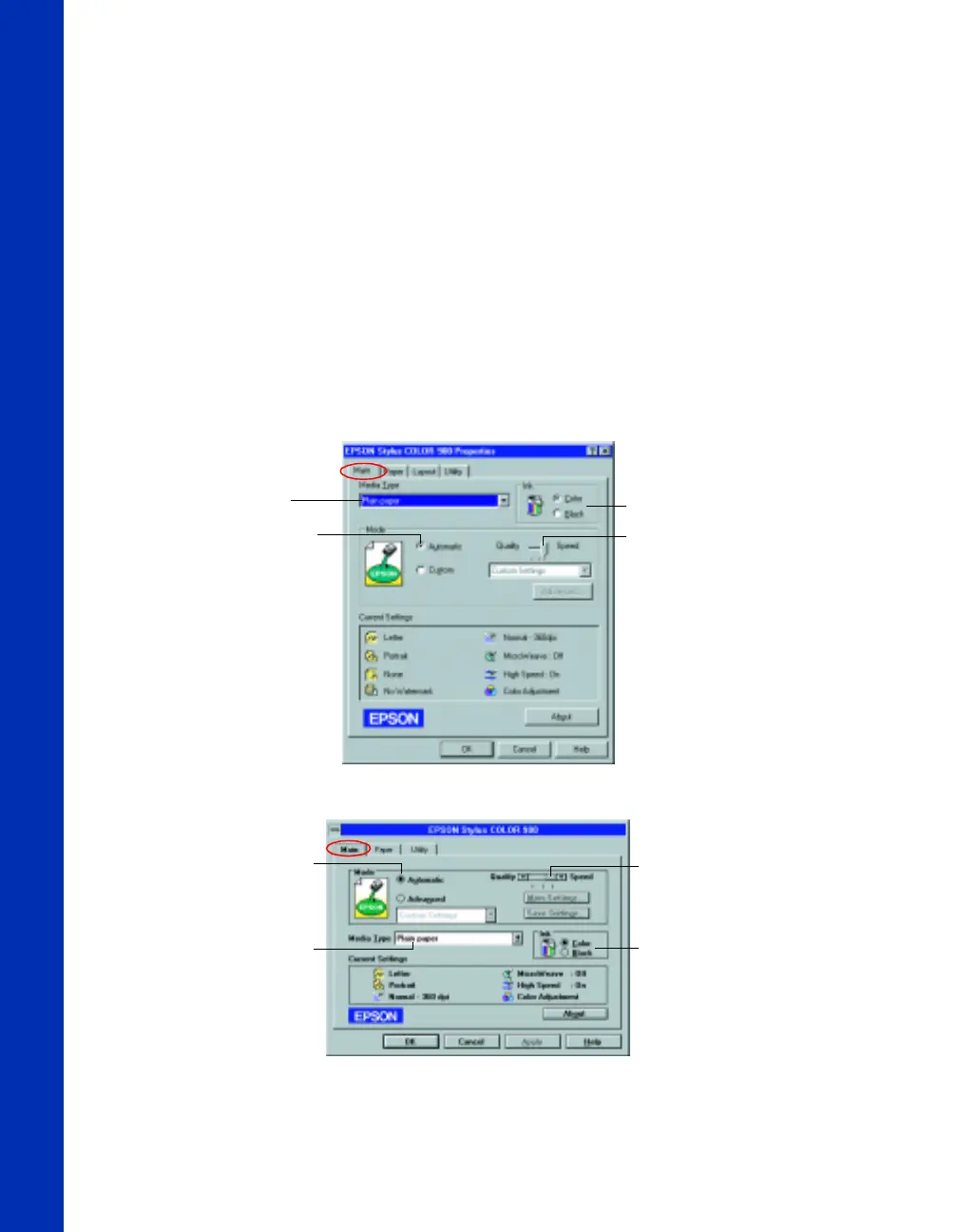
7. Now you see the printer settings dialog box. If necessary, click the Main tab to
display the settings shown below:
Quality/Speed
slider
Media Type
setting
Automatic
mode setting
Ink setting
Quality/Speed
slider
Media Type
setting
Automatic
mode setting
Ink setting
Windows 95, 98, or NT
Windows 3.1
basics.book Page 14 Friday, January 8, 1999 11:57 AM















 To Next Page