Wireless Network Installation 15
■ Press x Menu to switch between uppercase (ABC), lowercase (abc), or
numeric (
123) characters.
■ Press u or d until you see the character you want.
■ Press l or r to move the cursor.
■ Press – to delete a character.
3. When you’re done entering the WEP key, press
OK.
4. Continue with the next section.
Confirm Your Network Settings
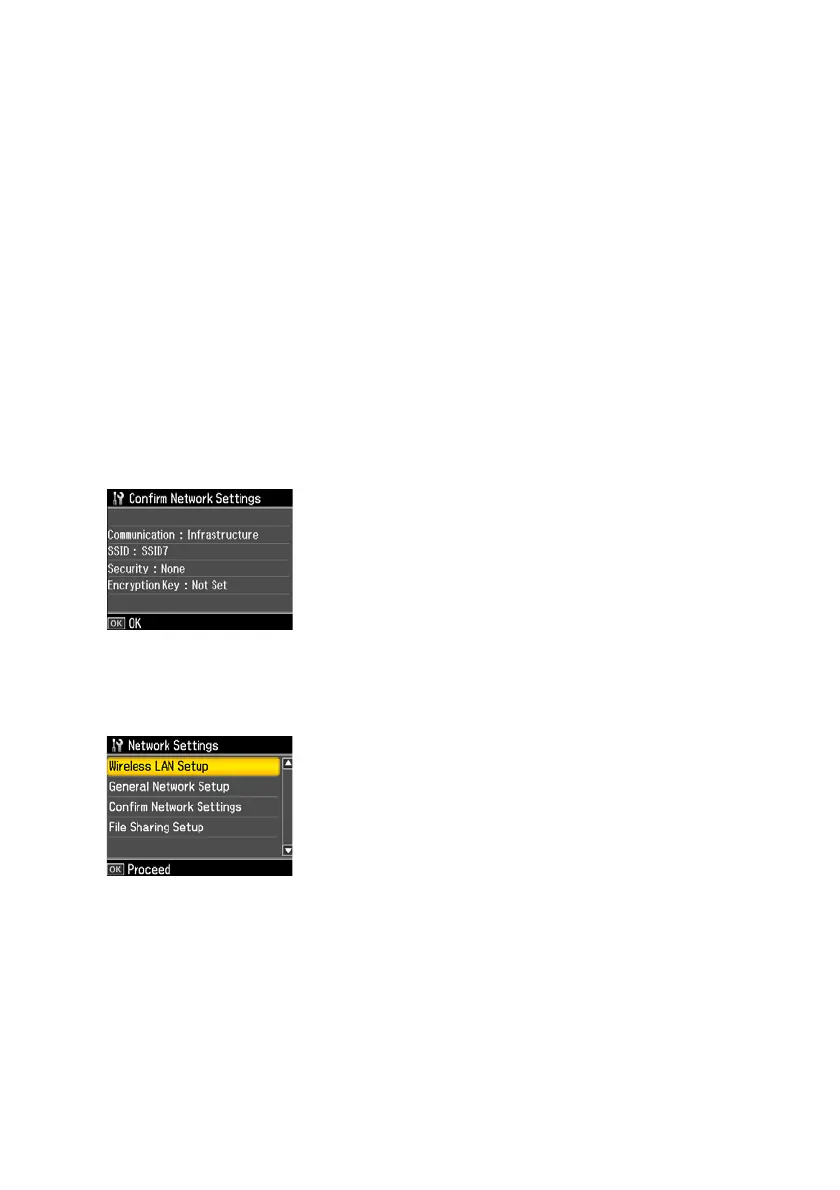
1. When you see a screen like this one, verify that the settings are correct. If you
need to change a setting, press
y Back until you see the setting you need to
change.
2. Once you have verified that your network settings are correct, press
OK to save
the settings and return to the Network Settings menu.
3. Press the
Home button to exit the Setup menu.



 To Next Page
 Loading...









