27
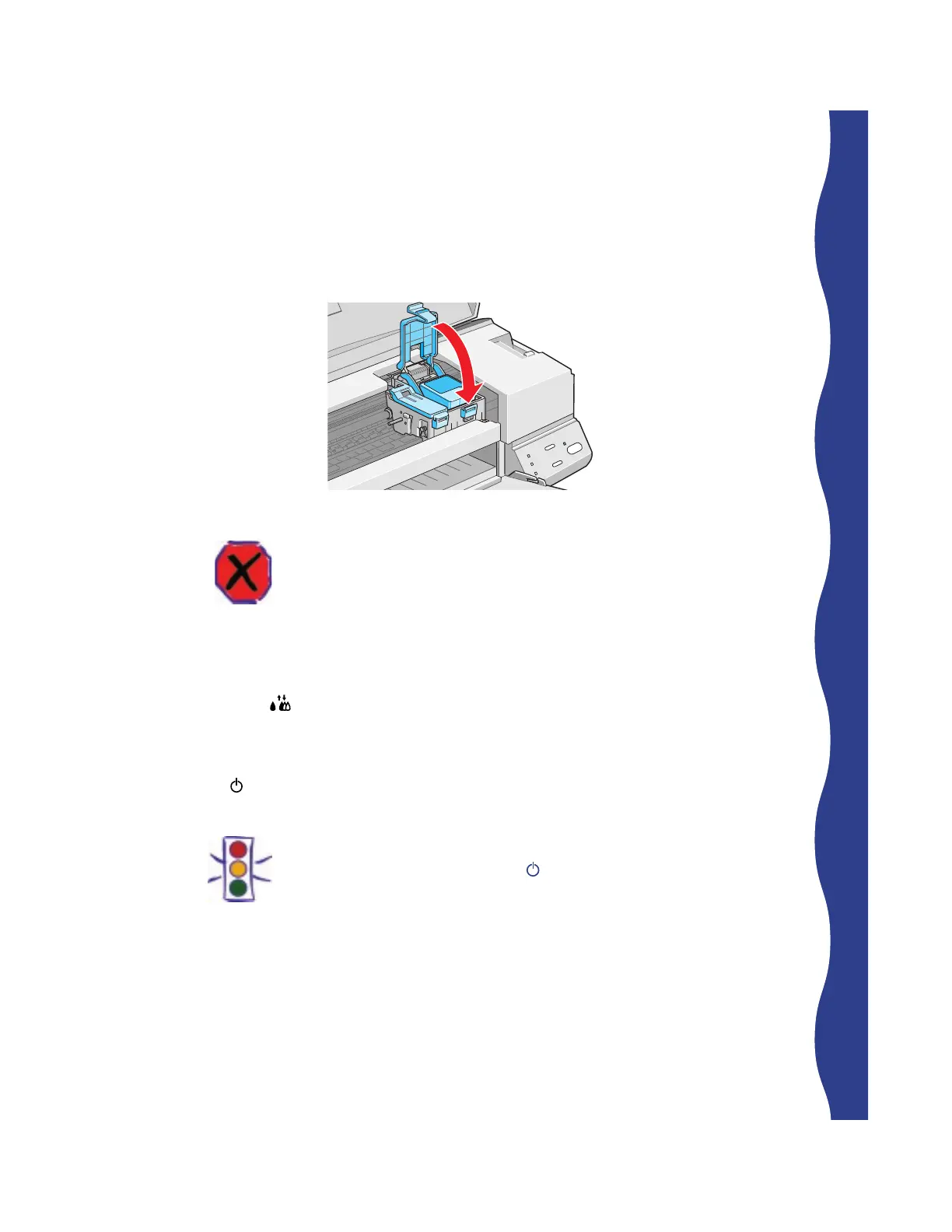
4. Press down the ink cartridge clamp until it locks in place.
Warning:
If ink gets on your hands, wash them thoroughly with soap and water. If
ink gets into your eyes, flush them immediately with water.
5. If you need to replace the other ink cartridge, remove it as described
in “Removing an Empty Ink Cartridge” on page 25. Then follow
steps 1 through 4 in this section.
6. Press the
cleaning button and close the printer cover.
The printer moves the print head and begins charging the ink delivery
system.
The
power light flashes and the printer makes various sounds. Charging
takes about one minute. When it’s finished, you can print again.
Caution:
Never turn off the printer while the power light is flashing, unless the
printer hasn’t moved or made any noise for more than 5 minutes.










 To Next Page