37
If your printout is blurry or
smeared . . .
■
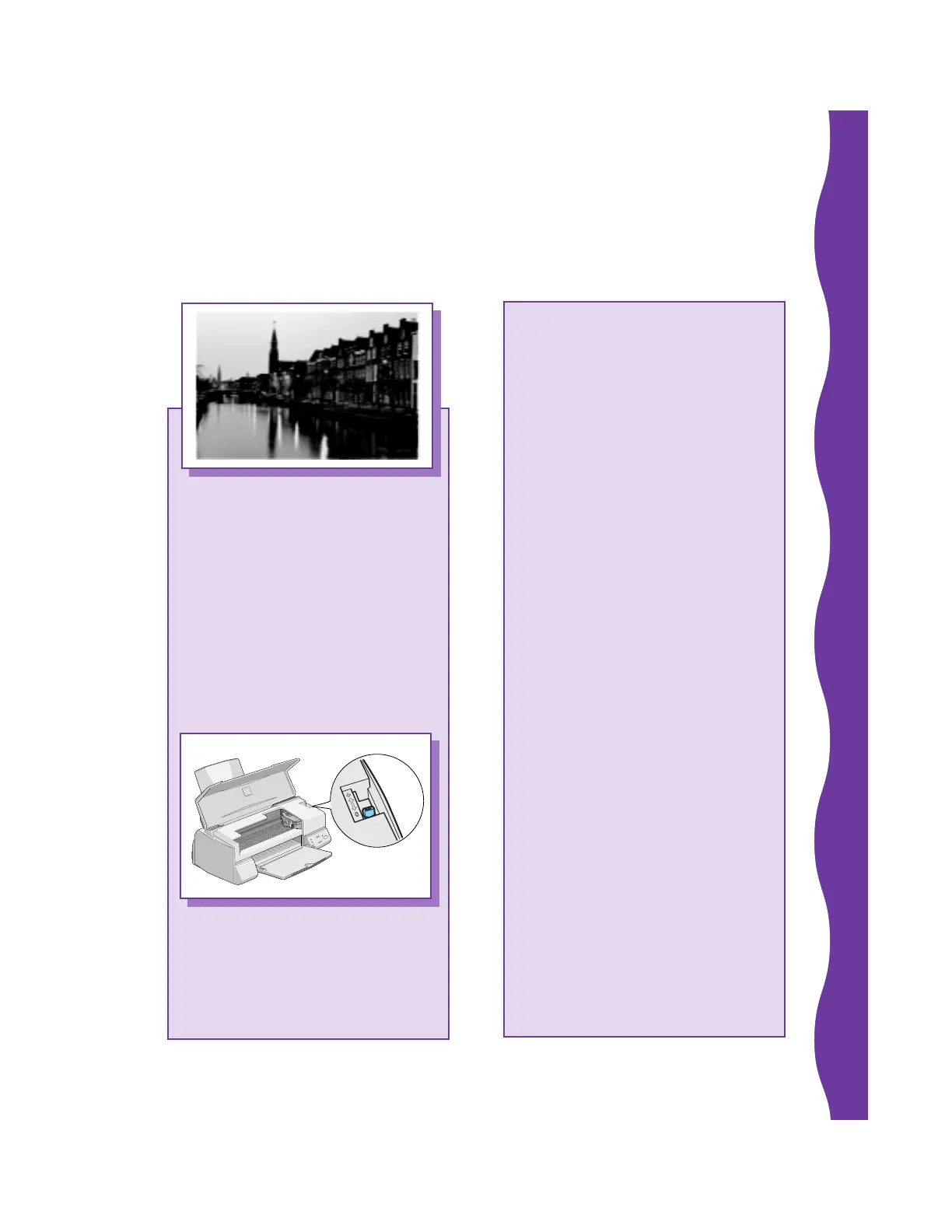
Check the thickness lever
position. If it’s in the
+ position, your printer is
set for thicker paper or
envelopes and your image
may smear. For most papers,
set the thickness lever to the
0 position.
■
Make sure your paper isn’t
damp or loaded face down
(the printable side should be
loaded face up). If it’s damp,
reload a new stack of paper.
■
Use a support sheet with
special media or try loading
your media one sheet at a
time.
■
Make sure your paper
or media meets the
specifications listed in your
electronic EPSON Stylus
COLOR 640 Manual.
■
Run the Print Head Alignment
utility (see page 29).










 To Next Page