59
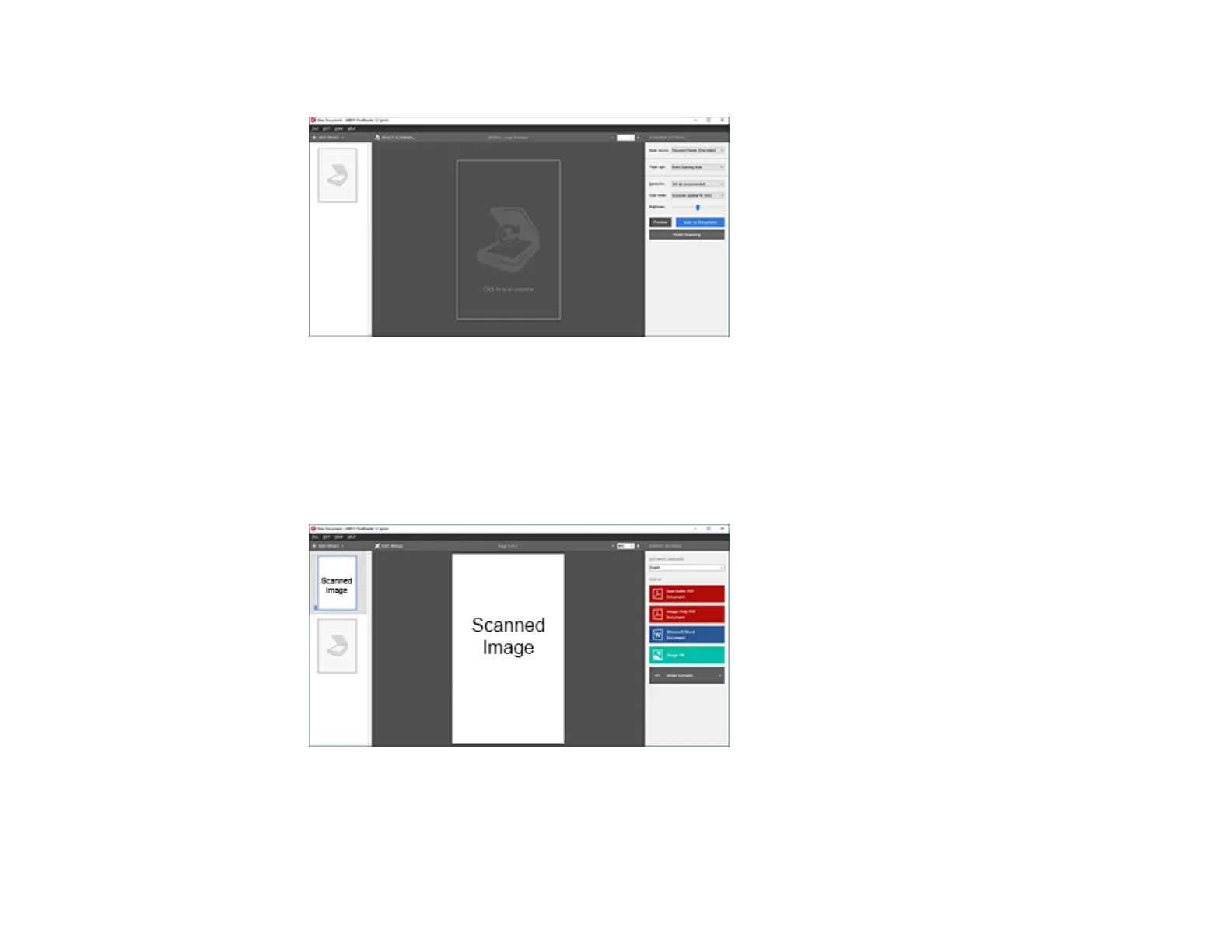
You see a window like this:
7. Select your scanner settings.
8. Click Preview and adjust the area you want to scan, if necessary.
9. Reload the ejected original in the scanner.
10. Click Scan to Document.
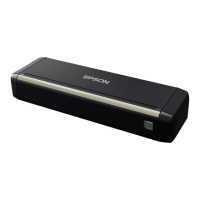
11. Select the program or format you want to scan to.
You see the Save As window.
12. Select a name and a file format for your document and click Save.



 To Next Page