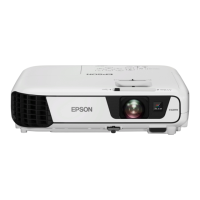
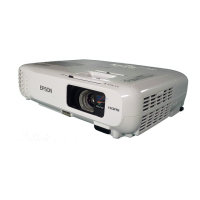
Name Function
D
Front adjustable foot
When setup on a surface such as a desk, extend the foot to
adjust the position of the image.
s "Adjusting the Image Position" p.41
E
A/V mute slide
Close when not using the projector to protect the lens. By
closing during projection you can hide the image and the
sound.
s "Hiding the Image and Sound Temporarily (A/V
Mute)" p.54
F
Remote receiver
Receives signals from the remote control.
G
Focus ring
Adjusts the image focus.
s "Correcting the Focus" p.41
H
Zoom ring
(EB-X24/EB-W18/EB-
X18/EB-W03/EB-X03/
EB-W120/EB-X120/EB-
X200 only)
Adjusts the image size.
s "Adjusting the Image Size" p.40
I
Air intake vent
(air filter)
Takes in air to cool the projector internally.
s "Cleaning the Air Filter" p.106
J
Air filter cover
Opens and closes the air filter cover.
s "Replacing the Air Filter" p.111
K
Security slot
The security slot is compatible with the Microsaver
Security System manufactured by Kensington.
s "Anti-Theft Lock" p.63
L
Control panel
Operates the projector.
s "Control Panel" p.13
M
Horizontal keystone
adjuster
Corrects horizontal distortion in the projected image.
s "Correcting manually" p.37
N
Lamp cover
Open when replacing the projector's lamp.
s "Replacing the Lamp" p.108
O
Lamp Cover Fixing
Screw
Screw to fix the lamp cover in place.
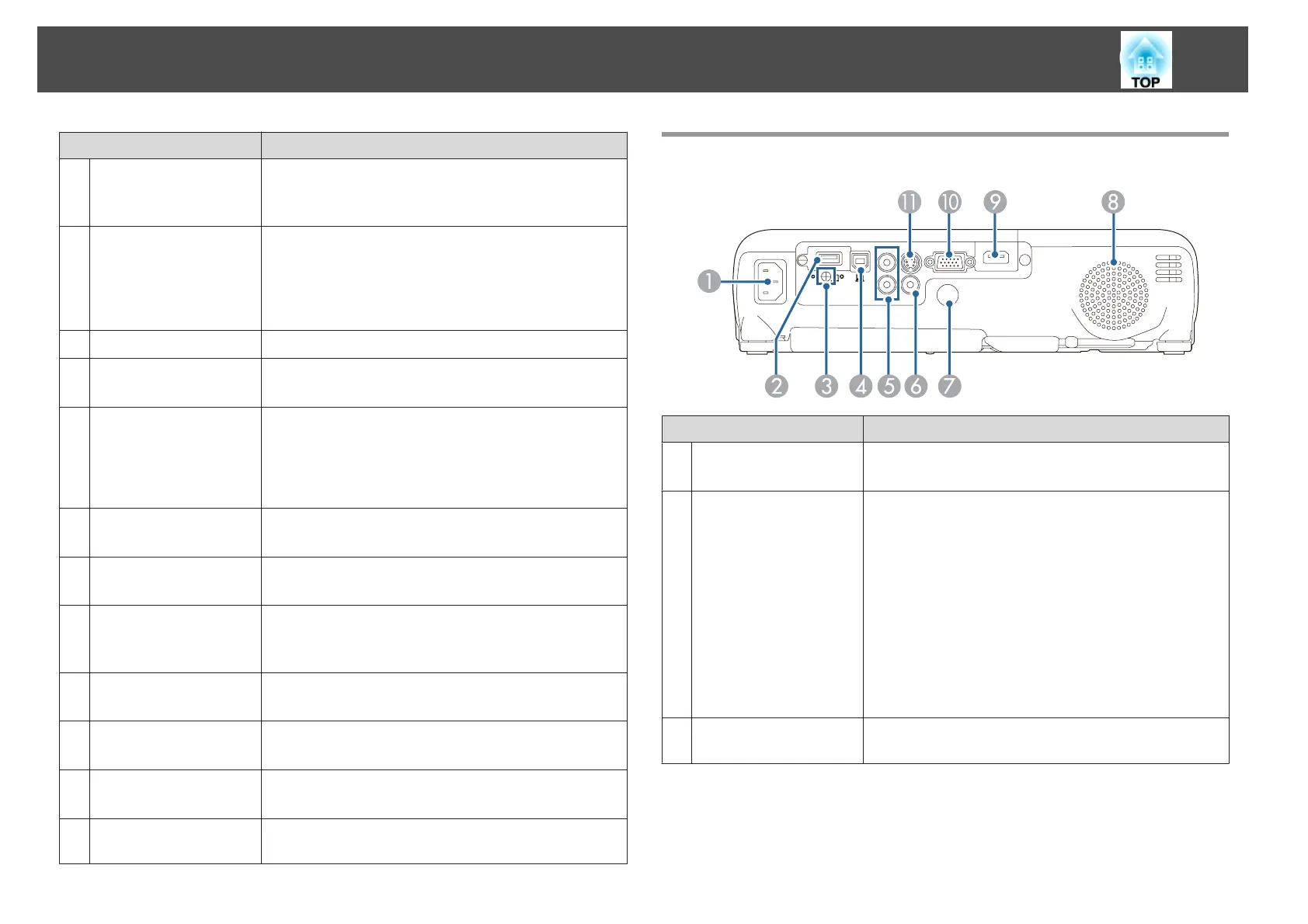
Rear
Name Function
A
Power inlet
Connects the power cord to the projector.
s "From Installation to Projection" p.30
B
USB-A port
• Connects a USB memory device or a digital camera and
projects movies or images using PC Free.
s "Projecting Without a Computer (PC Free)"
p.48
• Connects the optional Document Camera.
• Connects the supplied or optional Wireless LAN unit.
s "Installing the Wireless LAN Unit" p.27
• Connects the optional Quick Wireless Connection USB
Key.
s "Installing the Quick Wireless Connection USB
Key" p.27
C
Wireless LAN unit
fixing screw
This screw secures the wireless LAN unit cover.
Part Names and Functions
11


 To Next Page