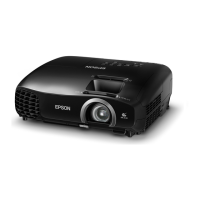
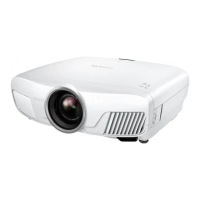
EH-TW3500/4500/5500 Troubleshooting CONFIDENTIAL
SEIKO EPSON 36 Revision A
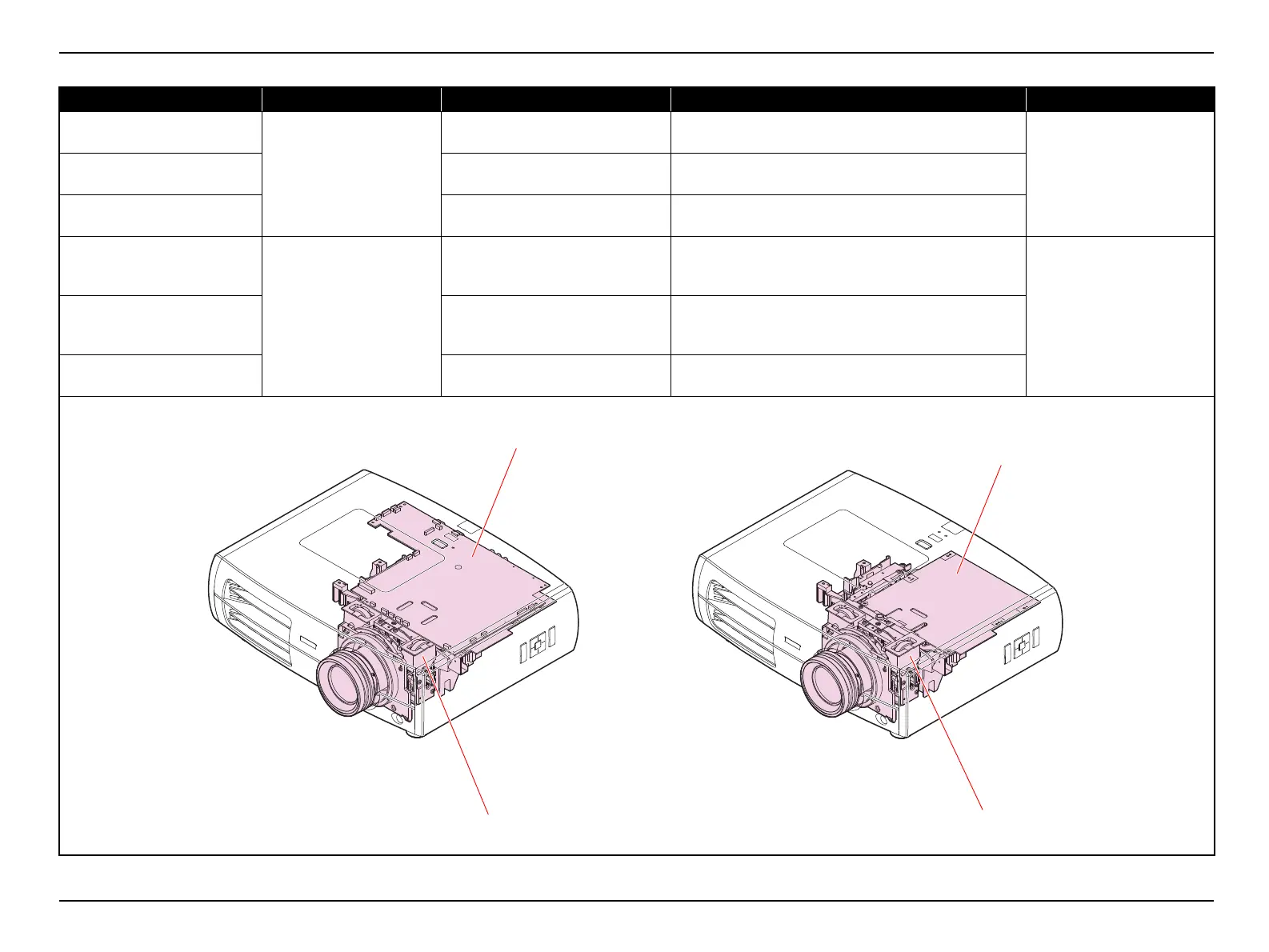
Black part of image is reddish.
(EH-TW3500)
Optical Engine
FPC for L/V (R) is not connected
properly.
Connect the FPC of L/V (R) to the MA Board correctly.
• "3.3.8 Removing the MA Board
(assembly) (p68)"
• "3.3.9 Removing the Optical
Engine (assembly) (p75)"
Black part of image is greenish.
(EH-TW3500)
FPC for L/V (G) is not connected
properly.
Connect the FPC of L/V (G) to the MA Board correctly.
Black part of image is bluish.
(EH-TW3500)
FPC for L/V (B) is not connected
properly.
Connect the FPC of L/V (B) to the MA Board correctly.
Black part of image is bluish
(cyan-like color).
(EH-TW4500/5500)
Optical Engine
FPC for L/V (R) is not connected
properly.
Connect the FPC of L/V (R) to the DR Board correctly.
• "3.3.8.3 DR Board (EH-
TW4500/5500 series only)
(p73)"
• "3.3.9 Removing the Optical
Engine (assembly) (p75)"
Black part of image is pinkish.
(magenta-like color)
(EH-TW4500/5500)
FPC for L/V (G) is not connected
properly.
Connect the FPC of L/V (G) to the DR Board correctly.
Black part of image is yellowish.
(EH-TW4500/5500)
FPC for L/V (B) is not connected
properly.
Connect the FPC of L/V (B) to the DR Board correctly.
Error Status Faulty part/part name Cause Remedy Reference
MA Board
Optical Engine
Optical Engine
DR Board
(EH-TW4500/5500 only)


 To Next Page