16
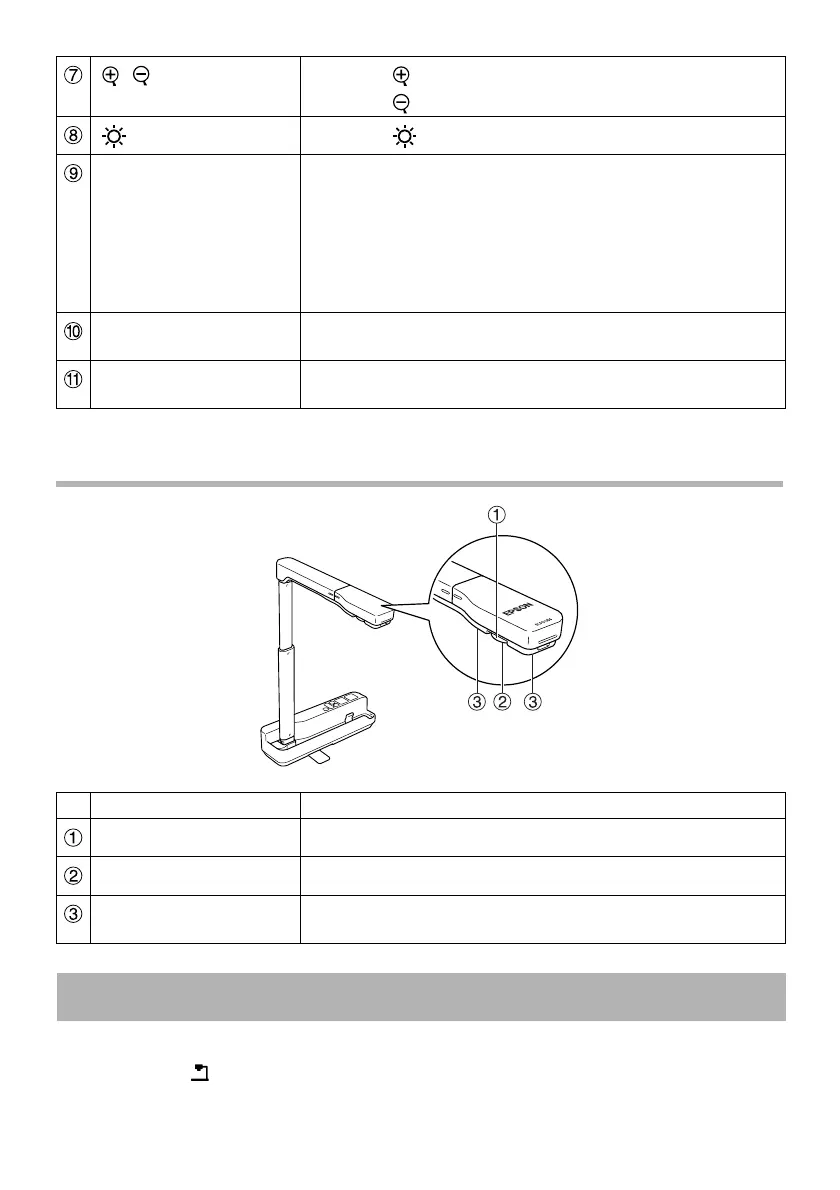
Camera Head
To display using the unit, connect the supplied USB cable to the USB terminal (type A)
identified by the document camera icon on the projector. See the Quick Start Guide
supplied with the unit for more details.
[ ][ ] Press the [ ] button to enlarge the image size.
Press the [ ] button to reduce the image size.
[ ] Press the [ ] button to turn the LED lamp on and off.
[Source Search] When the unit is connected directly to a projector, the
projector source switches to the unit.
When multiple devices are connected to the projector, press
the [Source Search] button repeatedly until the image you
want to display is shown.
This function does not work when the unit is connected to a
computer.
Power indicator This indicator comes on when power is supplied from a
projector or computer.
USB terminal (type B) This terminal is used to connect the unit to a projector or
computer using the supplied USB cable and display images.
Name Function
Image rotation dial Turn this dial to rotate the displayed image ±90°.
Camera lens This lens captures the image.
LED lamp Turn on this lamp when there is not enough light on your
document.
Connecting the Unit and Displaying Images













 To Next Page