62
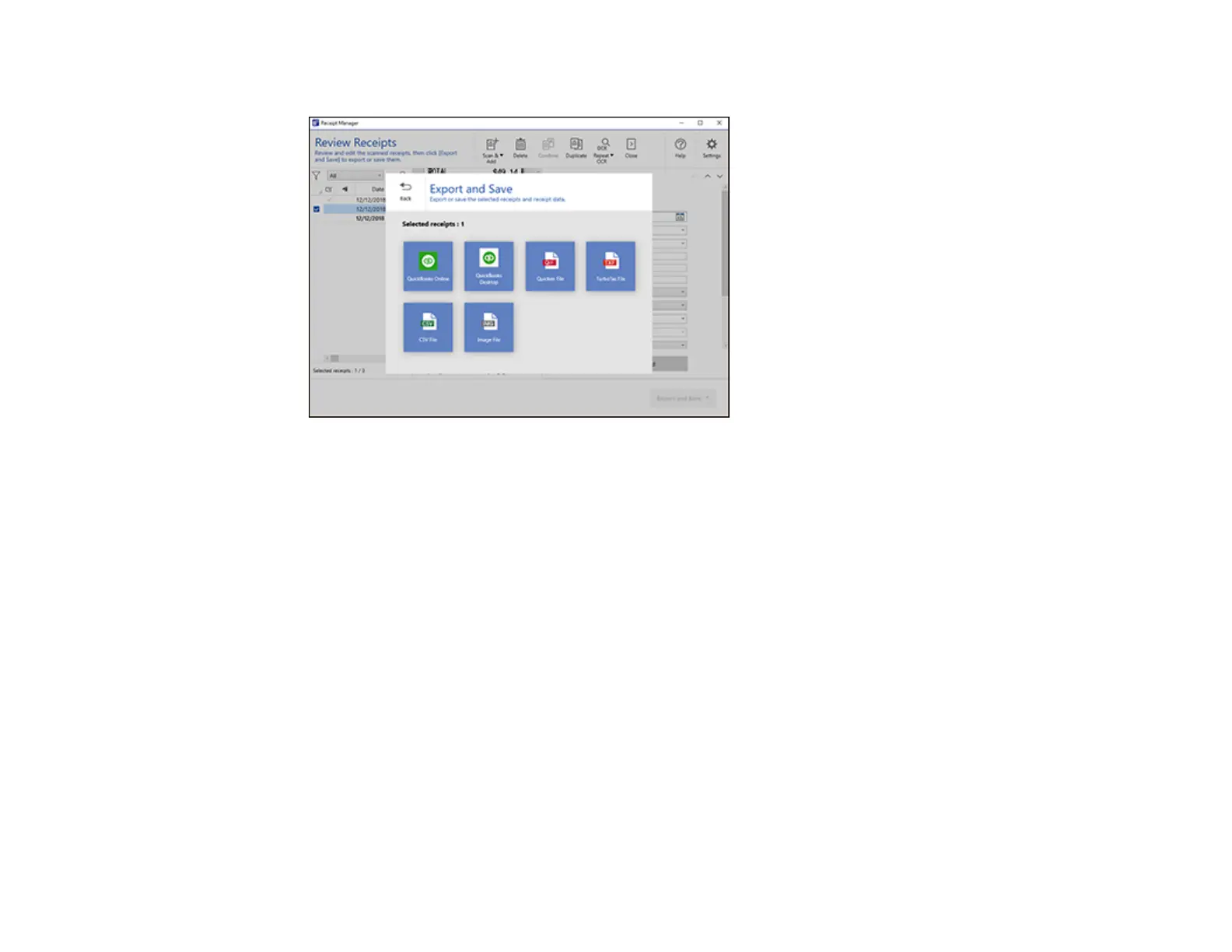
You see a screen like this:
9. Select an option. See the links below.
Exporting Receipts to QuickBooks Online
Exporting Receipts to QuickBooks Desktop
Saving or Exporting Receipts to Quicken
Saving Receipt Data as a TurboTax File
Saving Receipt Data as a CSV File
Scanning Receipts as an Image File
Parent topic: Scanning Using Receipt Manager
Related references
Characters are not Recognized During Conversion to Editable Text (OCR)
Exporting Receipts to QuickBooks Online
You can export receipt data to QuickBooks Online.
Note: Make sure you have a current QuickBooks account and your login information is available.
1. Make sure your receipts are scanned and reviewed. See the link below.



 To Next Page