9
-
Welcome
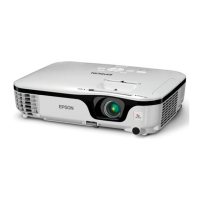
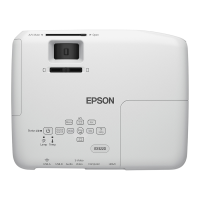
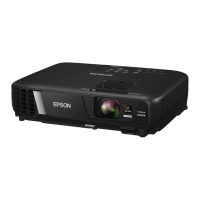
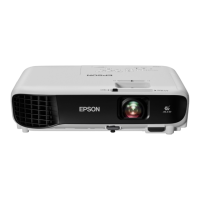
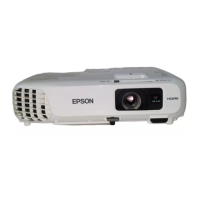
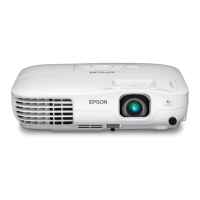
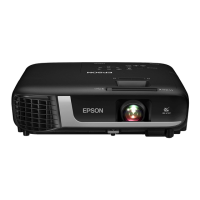
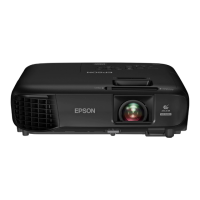
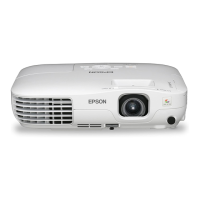
The VS200/EX3200/EX5200/EX7200 is an easy-to-use, compact,
lightweight projector with a built-in speaker. It offers up to
2300 (VS200) or 2600 (EX3200/EX5200/EX7200) lumens of white
and color light output (brightness). It also provides a native SVGA
(VS200/EX3200), XGA (EX5200), or WXGA (EX7200) resolution.
You can connect it to a wide range of computers and video sources.
You can also project JPEG files from a USB storage device (EX5200/
EX7200 only).
Your projector offers these easy setup, control, and security features:
■ Plug n’ Play instant setup—instantly project images from a
Windows
®
or Macintosh
®
computer via USB connection
■ Ultra HD-quality with just one cable—all digital HDMI audio/
video connection (EX5200/EX7200 only)
■ PC-free slideshows and presentations—USB thumb drive port
(EX5200/EX7200 only)
■ Quick, convenient control—Direct Power On, sleep mode,
Instant Off
®
/On
■ Easy picture adjustment—ultra flexible, Keystone correction
with digital zoom (VS200/EX3200) or Auto Keystone correction
with optical zoom (EX5200/EX7200 only)
■ Security features—password protection, user’s logo, projector
button lock, security cable attachment (cable not included), and a
slot for an optional Kensington
®
security lock


 To Next Page