11
Barcode Settings
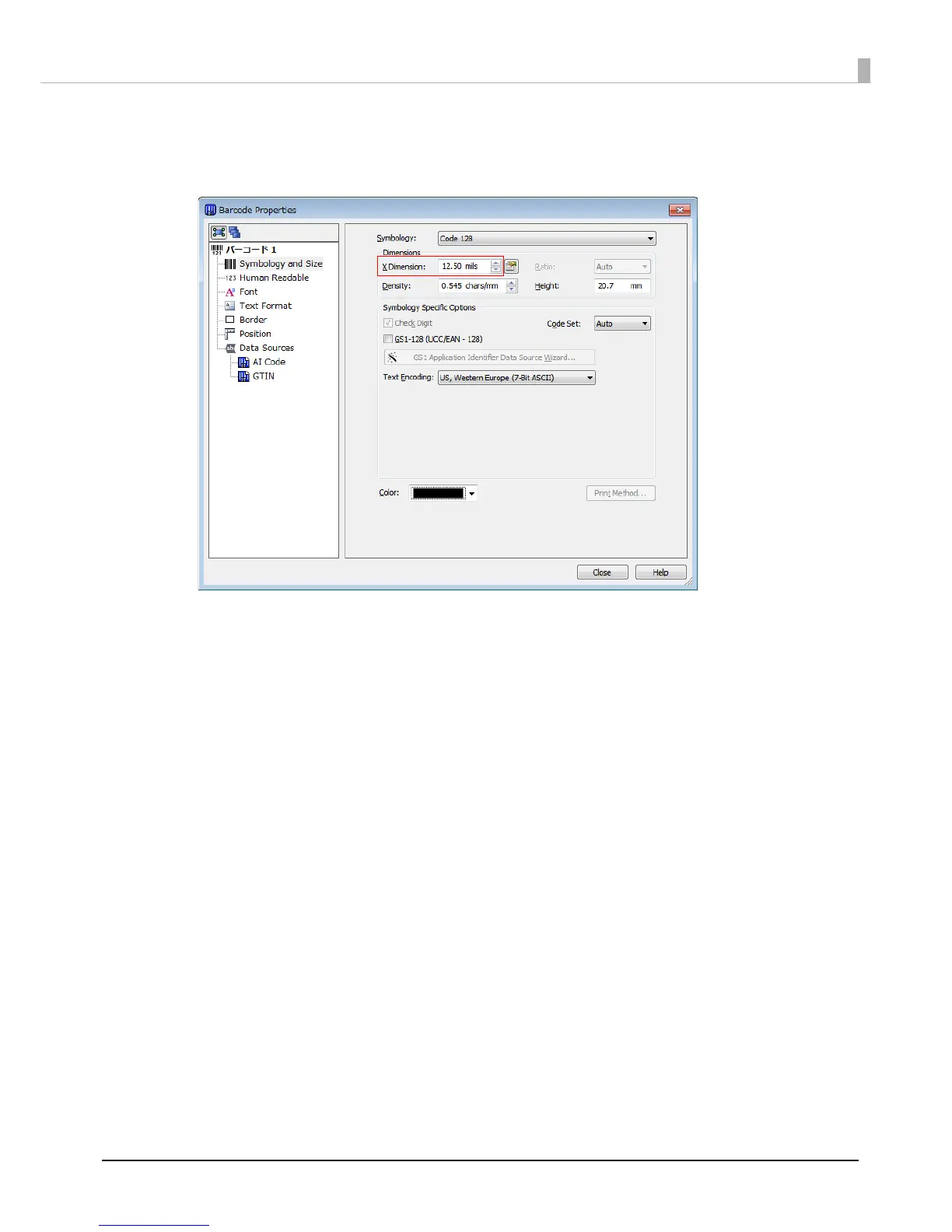
In Barcode Properties, specify more than [12.50 mils] for X Dimension.
Notes:
When printing a barcode, there are recommended conditions according to the Media Type. If the recommended
conditions are not followed, the printed barcode may not be read properly. For the recommended conditions, see the
appendix.
For the scan quality of printing using the barcode function of BarTender, contact Seagull Scientific, Inc.


 To Next Page
 Loading...