Firmware Update Instruction Manual
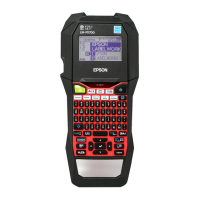
This manual guides you through downloading the latest LW-PX900 firmware from Epson LABELWORKS PX website,
and updating the firmware of your LW-PX900.
Important!
Settings is erased due to the update.
During the update, be sure to use the AC adapter to supply the power to the printer instead of using the lithium-ion
battery or alkaline batteries.
1. Preparation
Check if your LW-PX900 needs firmware update
Follow the procedure below to check whether your LW-PX900 needs firmware update or not.
The firmware update is not necessary if the version is the latest one.
MEMO
You can know the need to update your LW-PX900 firmware after you start the
update. If the firmware is the latest one, a pop-up window shown right appears
to notify you that the update is not needed.
How to check
1. Press + .
Preference screen appears.
2. Select the [Version] menu to check the firmware version.
If the version is 240A or lower, or if the [Version] menu does not exist,
the firmware is old and needs to be updated.

 Need help?
 General






 To Next Page