Epson Perfection 3590 Photo
2 - Epson Perfection 3590 Photo 6/05
Electrical
Input voltage DC 24.0 to 26.4 V
Rated frequency 50to60Hz
Rated current 1.4 A
Power 19.0 W operating (with AFL)
consumption 13.0 W standby mode
4.8 W sleep mode (with AFL)
Environmental
Temperature Operation: 41 to 95 °F (5 to 35 °C)
Storage: –13 to 140 °F (–25 to 60 °C)
Humidity Operation: 10 to 80%
(without Storage: 10 to 85%
condensation)
Operating Ordinary office or home conditions.
conditions Extreme dust should be avoided. Operation
under direct sunlight or near a strong light
source should be avoided.
Safety Approval
EMC FCC Part 15 Subpart B Class B
CAN/CSA-CEI/IEC CISPR 22 Class B
USB Interface
Interface type Universal Serial Bus Specification
Revision 2.0
Electrical standard Full Speed mode (12 Mbits/s) and
Hi-Speed mode (480 Mbits/s) of Universal
Serial Bus Specification Revision 2.0.
Connector type One receptacle (Type B)
AC Adapter
Input AC 100 to 120 V, 50 to 60 Hz, 1.0 A
Output DC 24.0 to 26.4 V, 1.4 A
Multi Photo Feeder Specifications
Basic Specifications
Product code B813372
Paper input Face-down loading
Paper output Face-down ejecting
Paper capacity 24 sheets (maximum thickness under 0.2
inches [6 mm])
Paper types Photo (4 × 6 and 3 × 5 inches), mini-photo
(2.25 × 3.25 inches), business card,
post card
Dimensions Width: 9.1 inches (231 mm)
Depth: 15.8 inches (401 mm)
Height: 2.0 inches (52 mm)
Weight Approx. 3.75 lb (1.7 kg)
Electrical
Rated input
voltage DC 24 V ± 10%, 5 V ± 10%
Rated input
current 24 V, 0.65 A
5 V, 0.2 A
Environmental
Temperature Operation: 50 to 86°F (10 to 30 °C)
Storage: –4 to 140 °F (–20 to 60 °C)
Humidity Operation: 20 to 80%
(without Storage: 10 to 85%
condensation)
Operating Ordinary office or home conditions.
conditions Extreme dust should be avoided. Operation
under direct sunlight or near a strong light
source should be avoided.
Safety Approval
EMC FCC Part 15 Subpart B Class B
CAN/CSA-CEI/IEC CISPR 22 Class B
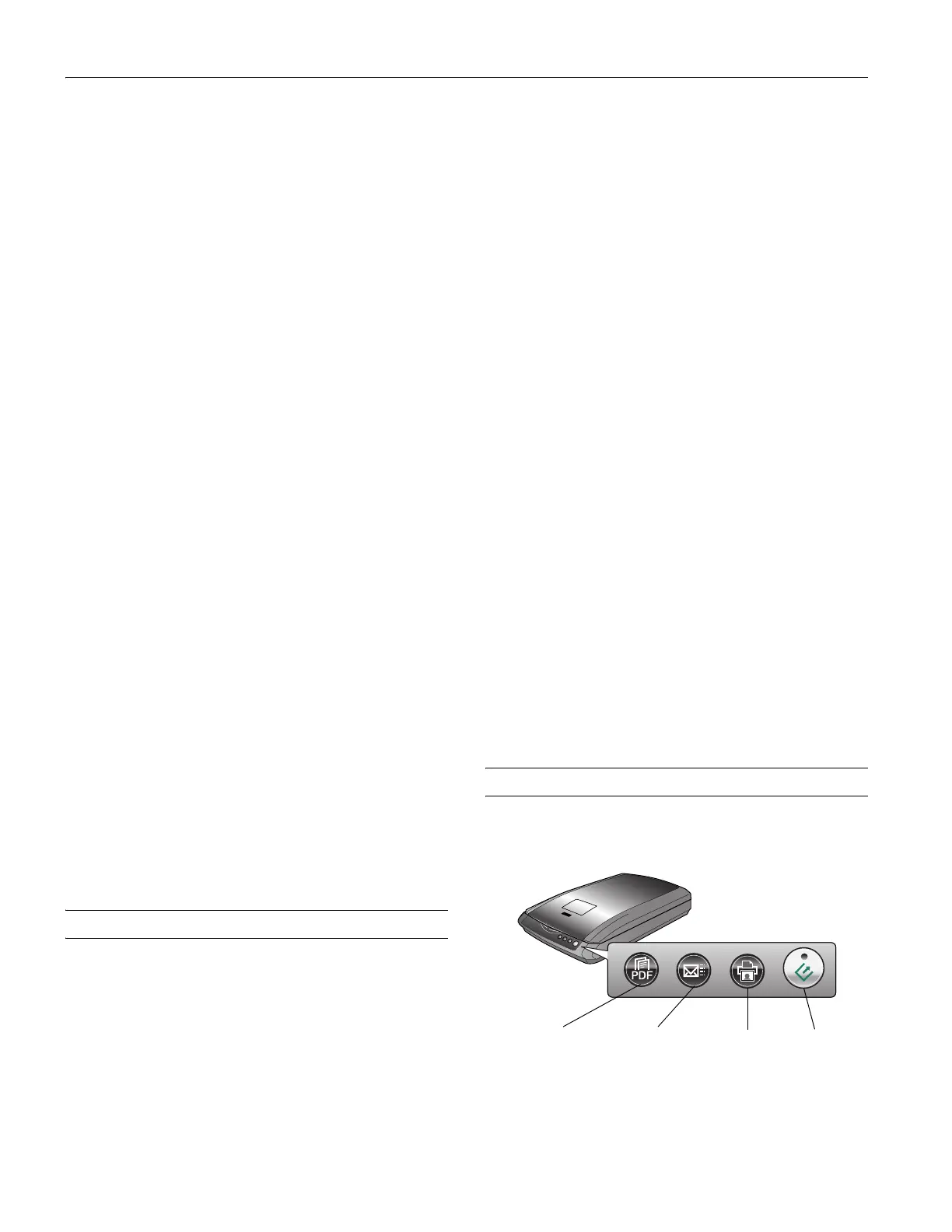
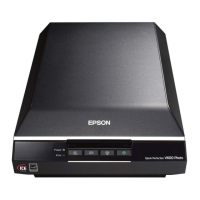
Using the Scanner Buttons
See the on-screen User’s Guide for instructions on using these
buttons:
] Start
button
{ Copy
button
| Scan to
E-mail button
a Scan to
PDF button



 To Next Page