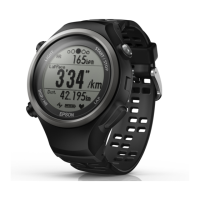
E
Tap OK on the smartphone.
F
Enter the Passcode (6-digit number)
to the smartphone and tap OK.
Note:
The screen to initiate pairing and enter the Pairing
Passcode may not be displayed automatically
depending on the smartphone you are using. If this
happens, display the screen from the notification
bar at the top status bar.
G
Tap OK once pairing has been
completed.
Smartphone User's Guide
Preparation
13


 To Next Page