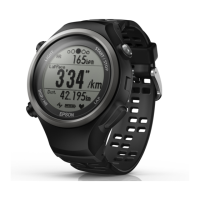
Setting the Target Pace Function
You can specify the target pace and an alarm will notify
you when you fall outside the target pace window.
A
Tap Target Pace.
B
Tap Target Pace List.
C
Tap No Data when you are adding a
new setting.
Tap the setting if you want to edit an
existing setting.
D
Enter or edit the title.
Enter the title using letters, numbers, spaces,
hyphens, and underscores.
E
Turn Programmable ON if you want
to combine multiple target paces.
Smartphone User's Guide
Changing the Settings
34


 To Next Page