94 Solving Problems
Before you call, please have the following information ready:
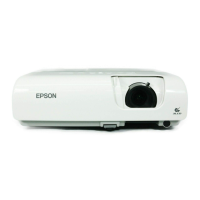
■ Product name (PowerLite S5 Series/77c)
■ Product serial number (located on the bottom of the projector)
■ Proof of purchase (such as a store receipt) and date of purchase
■ Computer or video configuration
■ Description of the problem
Purchase Supplies and Accessories
You can purchase screens, carrying cases, or other accessories from an
Epson authorized reseller. To find the nearest reseller, call
800-GO-EPSON (800-463-7766). Or you can purchase online at
www.epsonstore.com (U.S. sales) or www.epson.ca (Canadian sales).
note
To purchase a replacement
remote control, call
(562) 276-4394 (U.S.) or
(905) 709-3839 (for dealer
referral in Canada).
Downloaded From projector-manual.com Epson Manuals



 To Next Page
 Loading...