E Status light (green, orange)
The color indicates the network transmission speed.
Off: 10BASE-T
Orange: 100BASE-TX
Green: 1000BASE-T
F Data light (yellow)
The network connection status and data reception are indicated by a lit or flashing light.
On: Connected.
Flashing: Receiving data.
G OPTION port (except for the SC-T3100M Series)
Connect a scanner to perform enlarged copying.
U “Making Enlarged Copies with an A3 or A4 Scanner (Except for the SC-T3100M Series)” on page 109
H USB port
Connect the USB cable here.
I Vents
Do not block the vents.
U “Installation space” on page 18
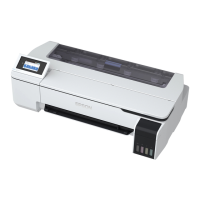
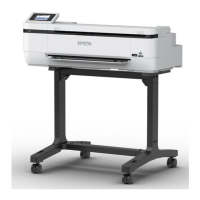
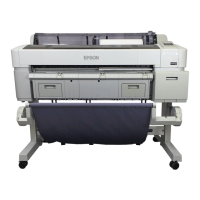
SC-T3100M Series/SC-T5100 Series/SC-T3100 Series/SC-T5100N Series/SC-T3100N Series/SC-T2100 Series User's Guide
Introduction
13


 To Next Page
 Loading...