I
Join the upper and lower sheets together.
Use an adhesive tape to stick the backs of the
sheets together.
J
After joining all the sheets, trim off the borders
by cutting along the cut guides (outside the X
marks).
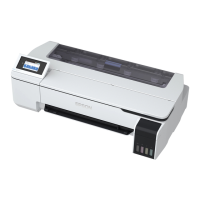
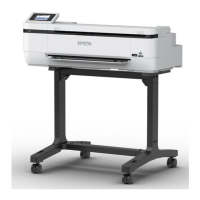
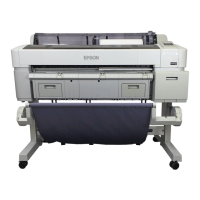
SC-T3100M Series/SC-T5100 Series/SC-T3100 Series/SC-T5100N Series/SC-T3100N Series/SC-T2100 Series User's Guide
Printing with the Printer Driver from Your Computer
89


 To Next Page
 Loading...