140
Printer Status Menu Settings
The Printer Setup menu lets you display and print information about your printer.
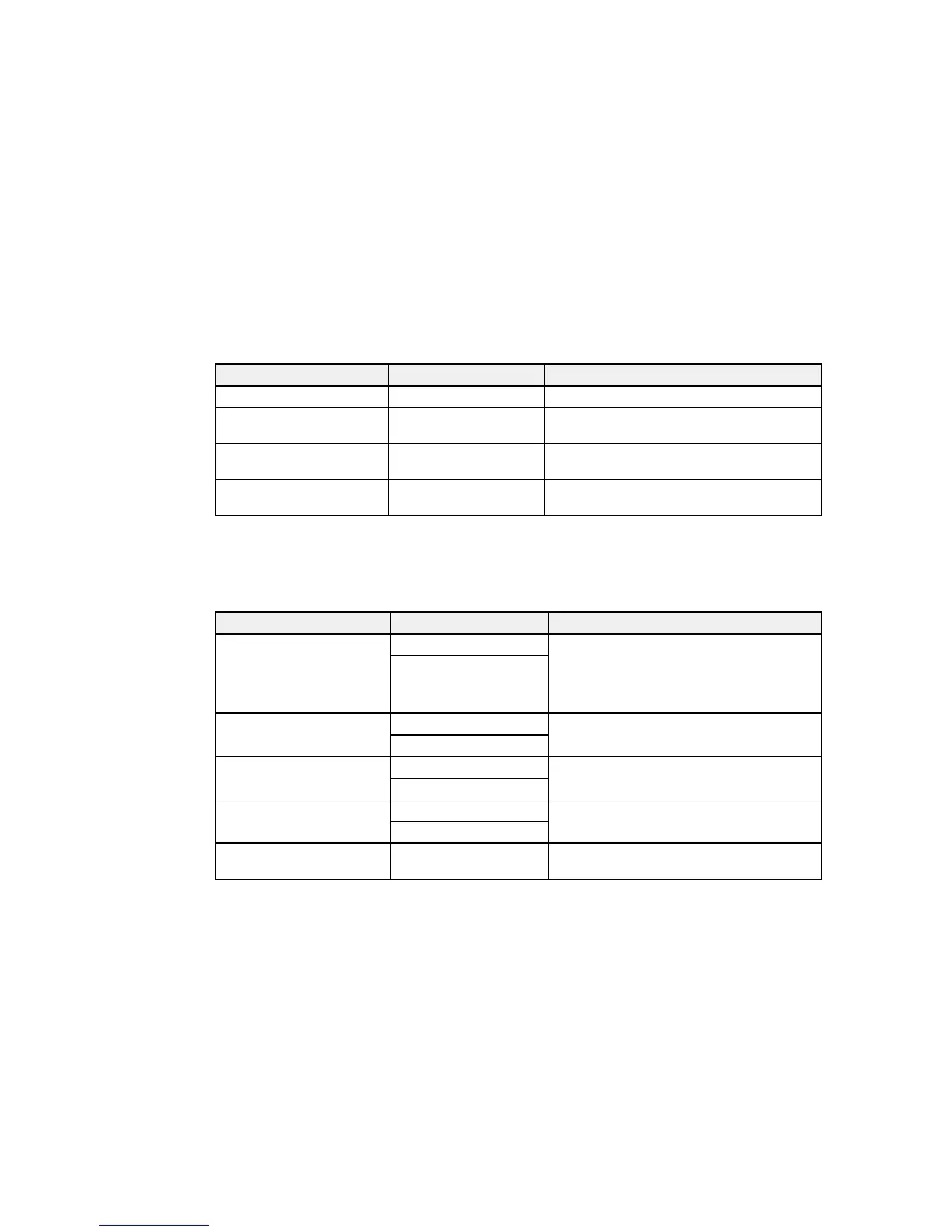
Setting Options Description
Firmware Version — Displays the printer's firmware version.
Option Status — Displays the status of any installed optional
accessories.
Print Status Sheet — Prints a sheet listing the current printer
settings.
Calibration Date — Displays the date that the Epson Color
Calibration Utility was last run, if applicable.
Parent topic: Using the Control Panel Menus
Network Setup Menu Settings
The Network Setup menu lets you configure your printer's network settings.
Setting Options Description
IP Address Setting Auto Determines whether IP addresses are
obtained automatically through DHCP or
manually. Select Panel to enter an IP
address, subnet mask, and default gateway
address.
Panel
IPv6 Setting On Enables IPv6 communication.
Off
IEEE802.1x Setting On Enables the IEEE802.1x network protocol.
Off
HTTPS Redirect Setting On Automatically redirects network traffic sent
over HTTP to secure HTTPS.
Off
Print Status Sheet — Prints a sheet listing the current network
status and settings.



 To Next Page
 Loading...








