Rev. A ix
UB-E02 Technical Reference Guide
How to Use this Guide
Installation Overview
Be sure to read Chapter 1, “System Preparation,” before using the product.
Perform the following steps to install and configure the UB-E02. See the indicated chapters for
detailed information.
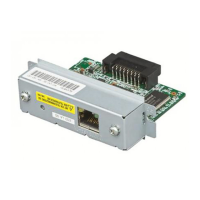
1. Install the UB-E02 in your printer. See Chapter 2.
2. Install the TCP/IP protocol in your operating system, if necessary. See Chapter 5.
3. Set the functions of the UB-E02. See Chapter 5.
4. To set the functions of the UB-E02 using the EPSON TMNet WebConfig utility, you need to
use Microsoft Internet Explorer. If it is not installed, install it, referring to the browser’s
manual.
Programming
The Chapter 6 provides you with a sample program of printing by network.
Appendix
The appendix provides you with the glossary.


 To Next Page