Rev. A Utilities 3-1
UB-E02 Technical Reference Guide
Chapter 3
Utilities
3.1 Setting the IP Address
To use the UB-E02 with TCP/IP, you first need to set its IP address. You can set the IP address
by using the EPSON TMNet WinConfig or arp/ping command.
3.1.1 Setting the IP Address using EPSON TMNet WinConfig
Follow the steps below.
1. Set the TCP/IP of your operating system.
2. Install the EPSON TMNet WinConfig.
3. Set the IP address using EPSON TMNet WinConfig.
3.1.1.1 Setting the TCP/IP protocol in Your Operating System
To set the IP address, you need to install the TCP/IP protocol in your operating system. How to
set the TCP/IP protocol is explained for Windows 95, Windows 2000, and Windows NT 4.0.
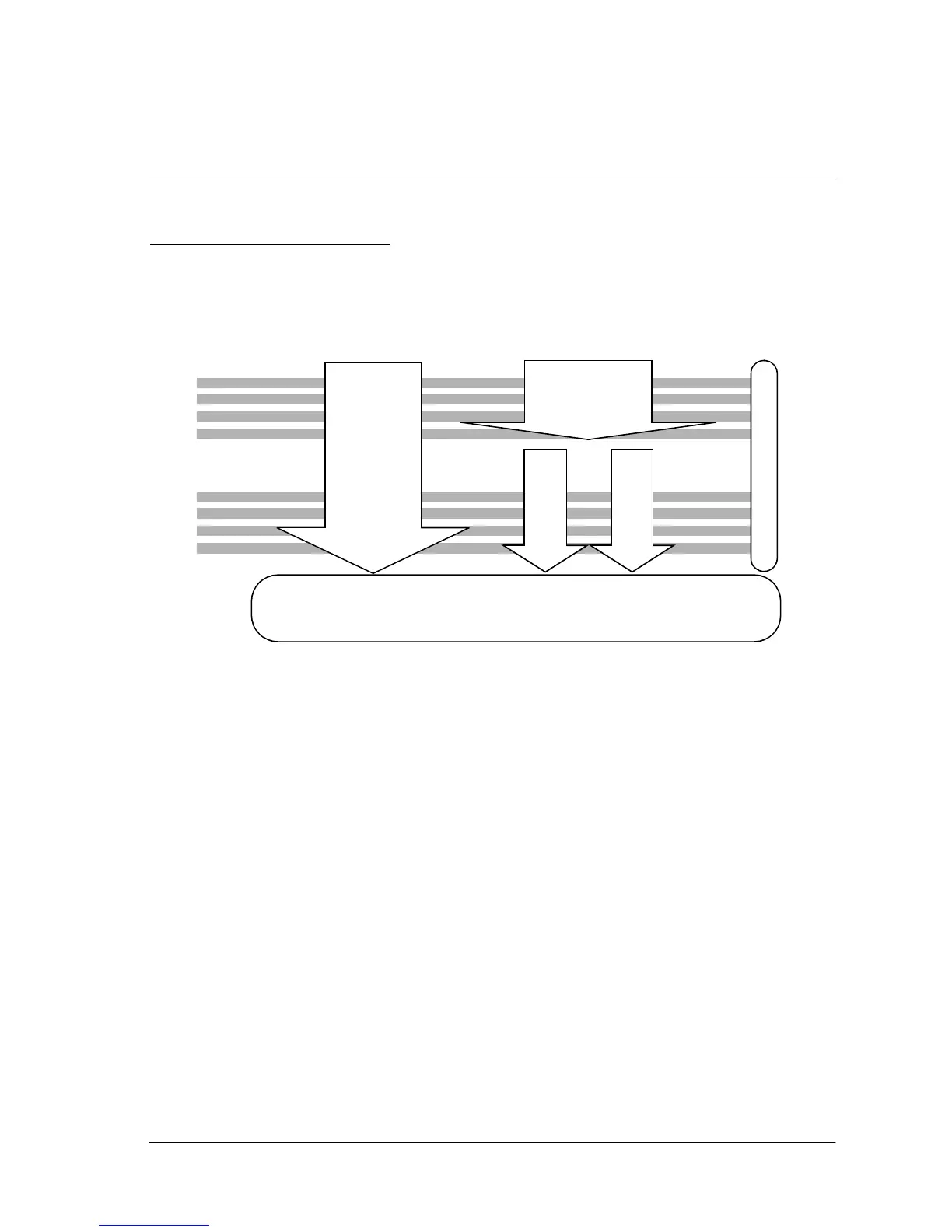
UB-E02
Setting IP address
UB-E02
Setting functions
EPSON TMNet
WinConfig
Refer to Page 3-1
arp/ping command
Refer to page 3-11
Web
Config
Win
Config
setting
Set up for printing, referring to the OPOS/APD manual.
Refer to
page 3-20
Refer to
page 3-13


 To Next Page