2-4 Installation Rev. A
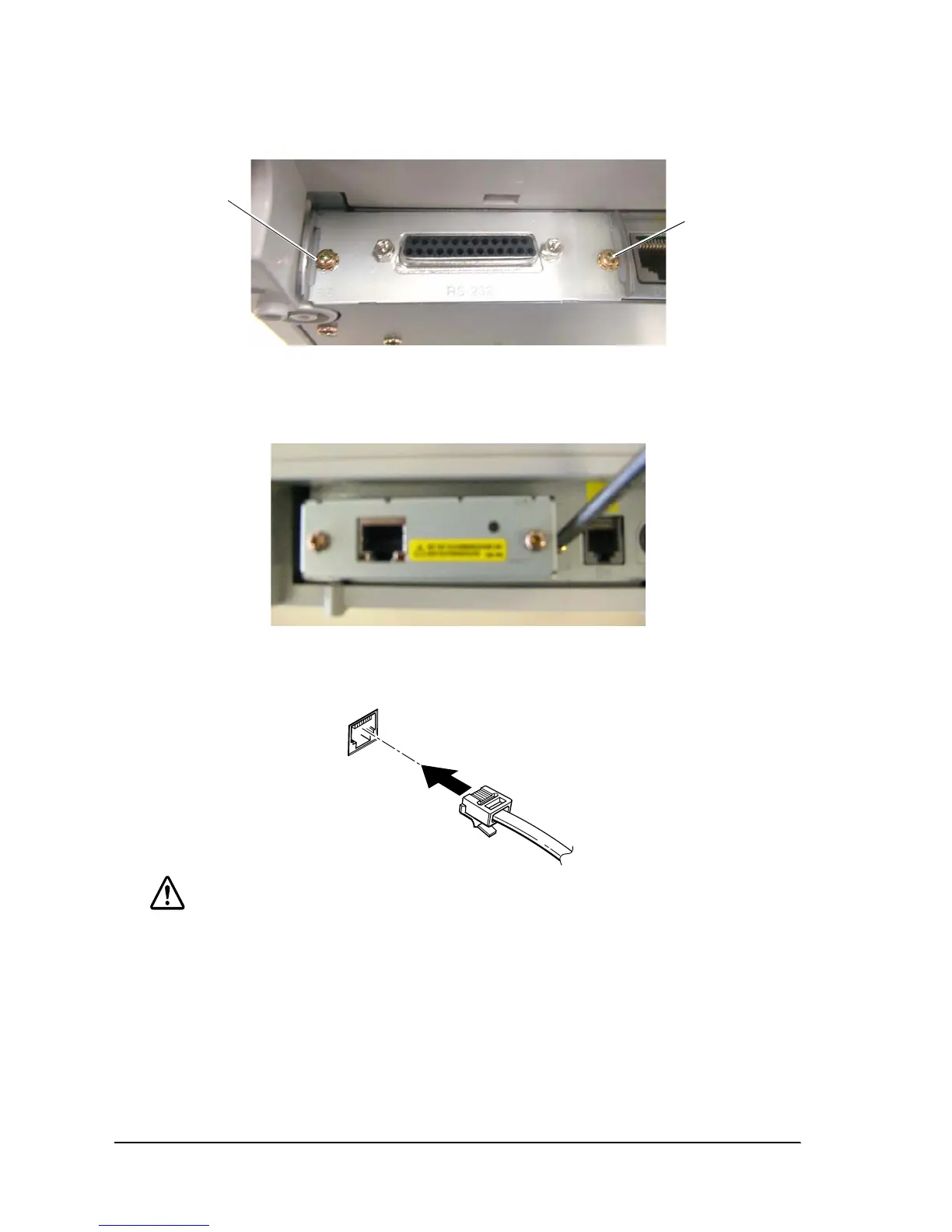
3. Tighten the screws.
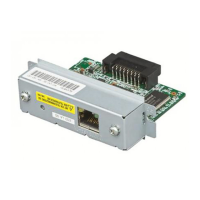
If you have removed an interface circuit board that was already installed, fix the UB-E02
using the removed screws.
4. Plug the twist pair cable into the 10BASE-T/100BASE-TX Ethernet connector of the UB-E02
until it clicks.
CAUTION:
Be sure not to connect a telephone line, display module connector, or drawer kick-out
connector cable to the 10BASE-T
/100BASE-TX
Ethernet connector of the UB-E02.
The display module connector on the TM printer cannot be used when the UB-E02 is
installed.
5. Connect the power unit to the printer.
6. Turn on the printer power.
remove screw
remove screw


 To Next Page