Rev. A Utilities 3-5
UB-E02 Technical Reference Guide
3. If you continue installing the TCP/IP protocol, the TCP/IP Configuration dialog box
appears, and you can set the IP address. Ask your network administrator for your IP
address.
Note:
To check the IP address which has already been assigned, click the Protocols tab in the Network dialog
box, select TCP/IP Protocol, and then click the Properties button.
4. When the installation is complete, check items such as the IP address to make sure they have
been entered correctly.
Note:
After the TCP/IP is installed, restart your computer and move on to the Installing EPSON TMNet
WinConfig section.
Windows 2000
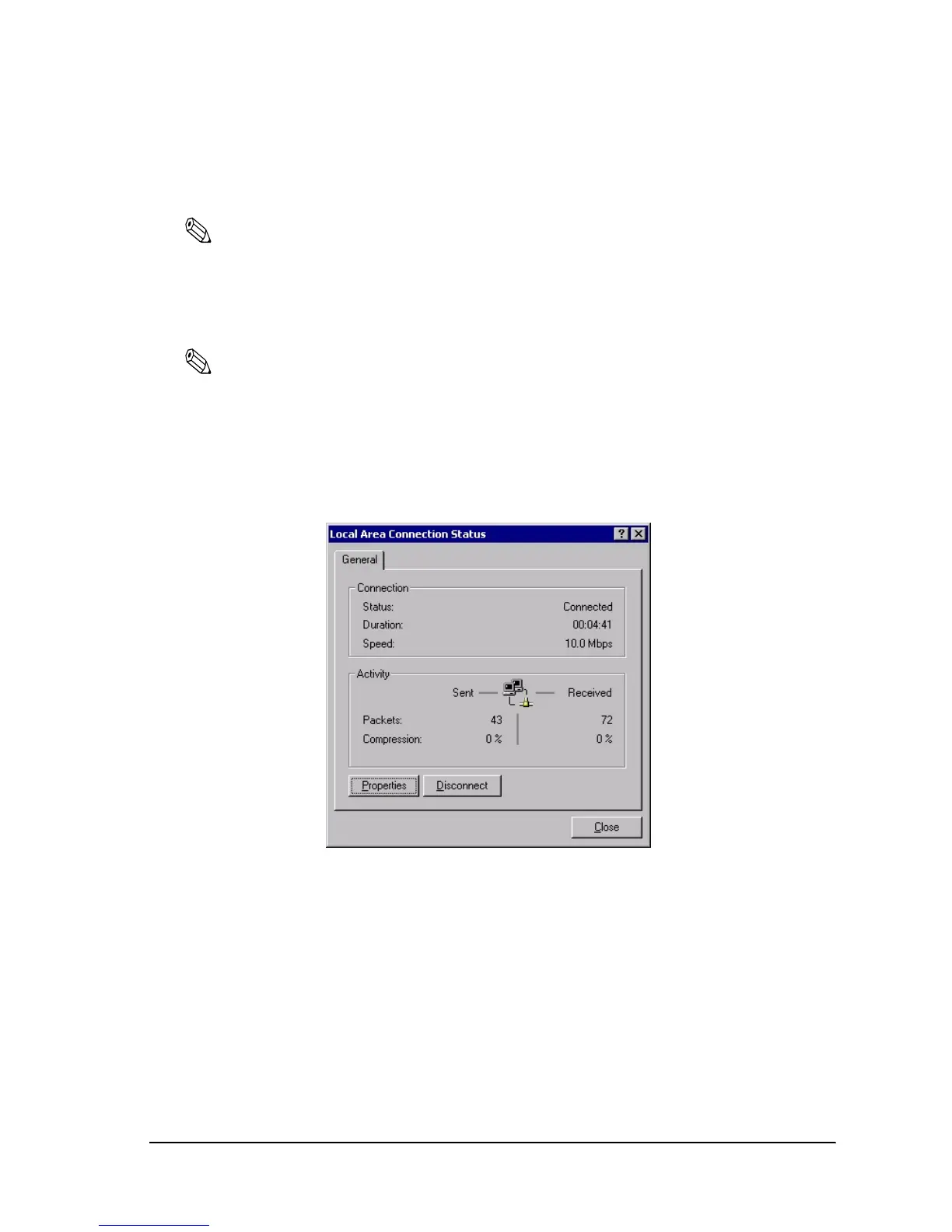
1. Double-click the Network and Dial Set Up icon in the Control Panel; then click Local Area
Connection Status.


 To Next Page