3-12 Utilities Rev. A
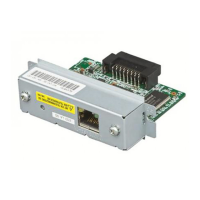
4. Set the IP address to the UB-E02 using the ping command.
•Example: ping 192.168.100.201
5. If the ping command is successful, the message “Reply From 192.168.100.201:
Bytes=32Time<10ms TTL=255” is shown. (The time indication will vary.)
6. Check if the IP address shown is 192.168.100.201.
Now, setting the IP address is complete. Next, set the default gateway and Subnet mask for the
UB-E02, referring to the EPSON TMNet WebConfig Functions.


 To Next Page