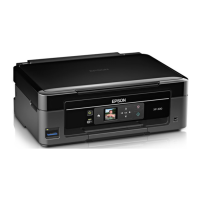
Guide to the Home Screen
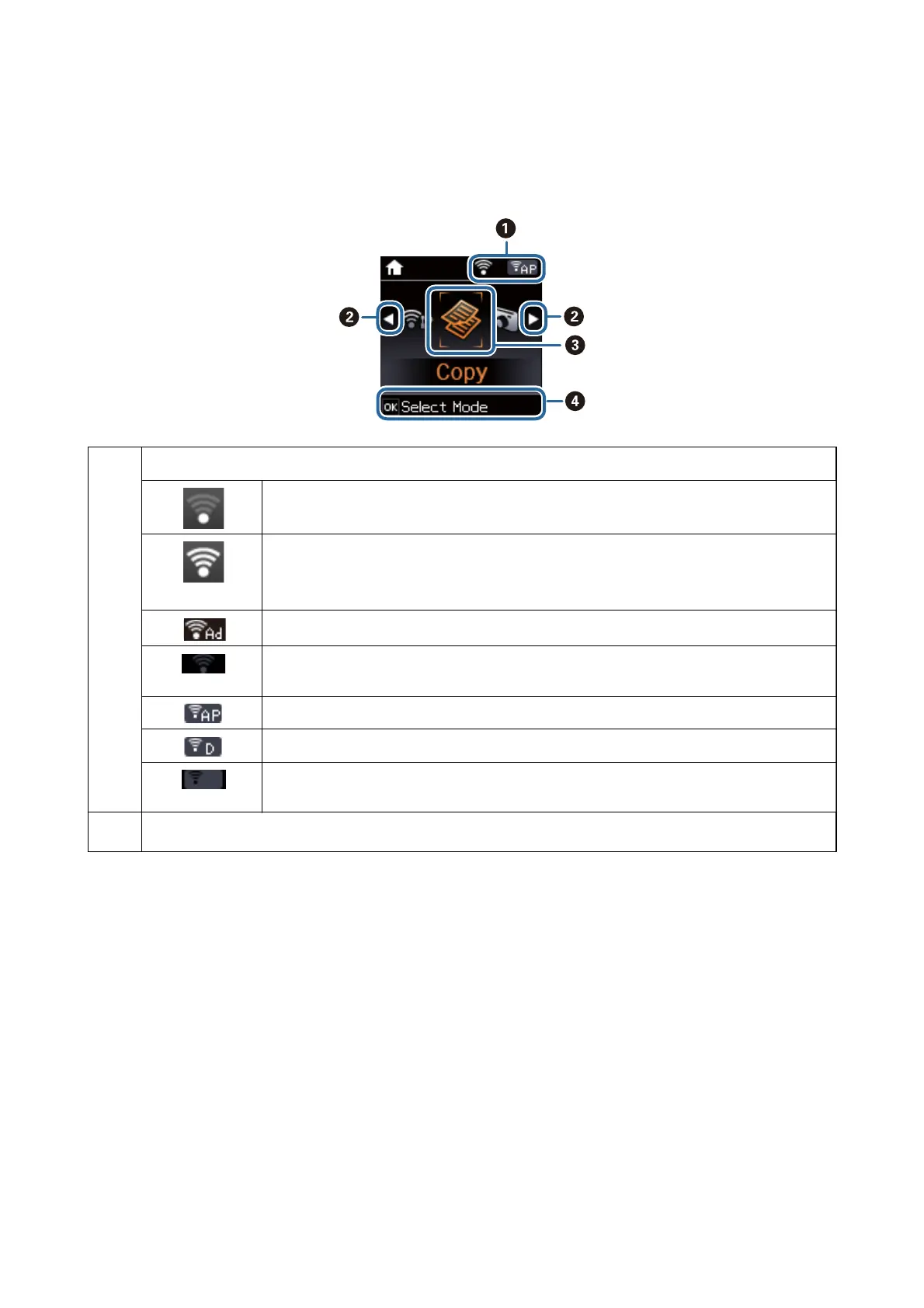
e following icons and menus are displayed on the home screen.
A
Icons that show the network status are displayed.
Indicates a problem with the printer's wireless (Wi-Fi) network connection, or that the printer is
searching for a wireless (Wi-Fi) network connection.
Indicates that the printer is connected to a wireless (Wi-Fi) network.
The number of bars indicates the signal strength of the connection. The more bars there are,
the stronger the connection.
Indicates that the printer is connected to a wireless (Wi-Fi) network in Ad Hoc mode
Indicates that a wireless (Wi-Fi) network is disabled, or that the printer is processing a wireless
network connection.
Indicates that the printer is connected to a wireless (Wi-Fi) network in Simple AP mode.
Indicates that the printer is connected to a wireless (Wi-Fi) network in Wi-Fi Direct mode.
Indicates that Wi-Fi Direct is disabled, or that the printer is processing a wireless network
connection.
B
When
l
and
r
are displayed, you can scroll right or left by pressing the
l
or
r
button.
User's Guide
Printer Basics
15


 To Next Page