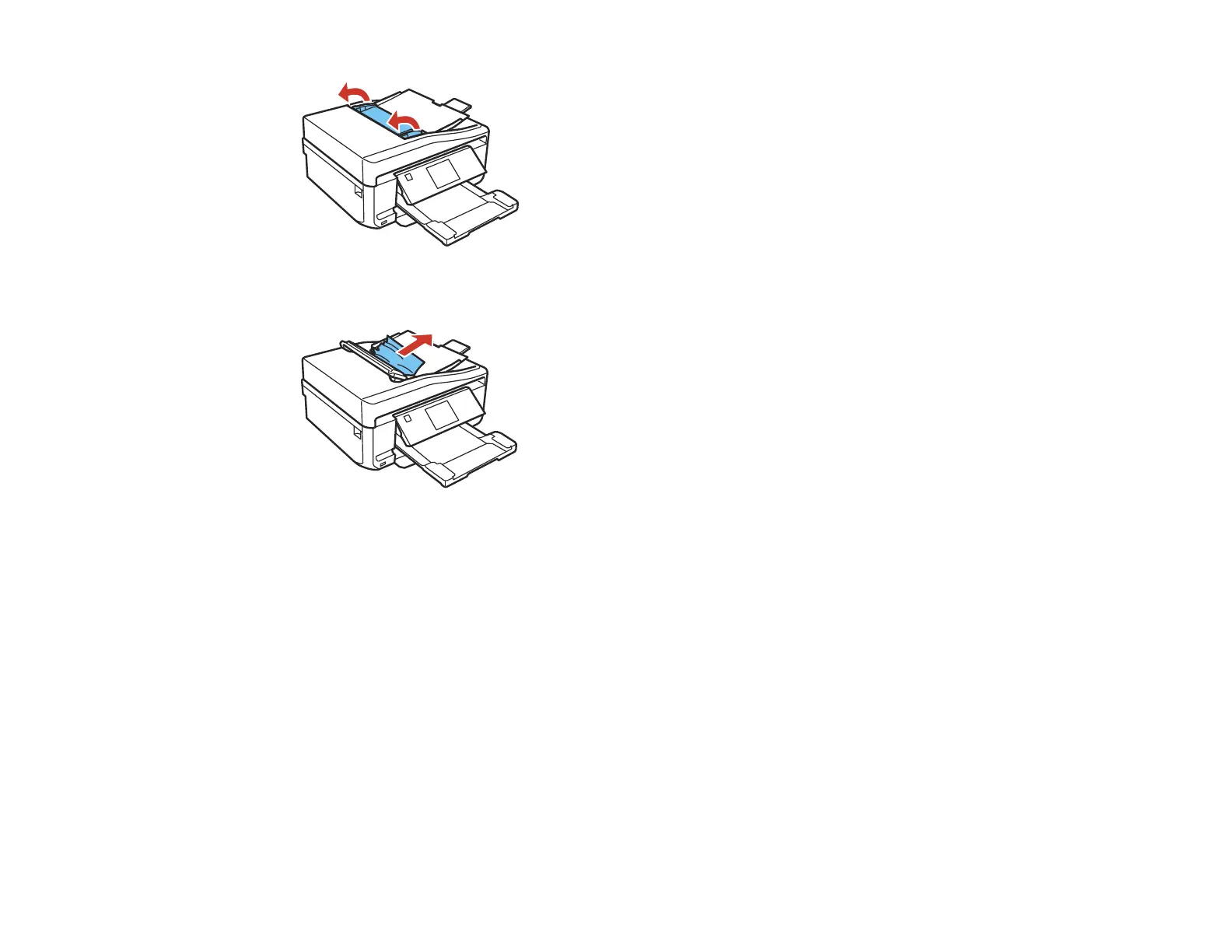
9. Carefully remove any jammed paper from beneath the ADF.
10. Close the ADF.
11. Reload your originals.
Caution: Make sure you do not load the ADF beyond its capacity for your paper size. Also make sure
your originals are not bent, folded, or curled and do not have tape, staples, or other materials that
could obstruct the feeder.
12. Follow the prompts on the LCD screen to clear any error messages. If you still see a paper jam
message, check the other paper jam solutions.
Parent topic: Solving Paper Problems
Related references
Paper Jam Problems Inside the Product
Paper Jam Problems in the Paper Cassette
Paper Jam Problems in the Auto Duplexer
297















 To Next Page