188
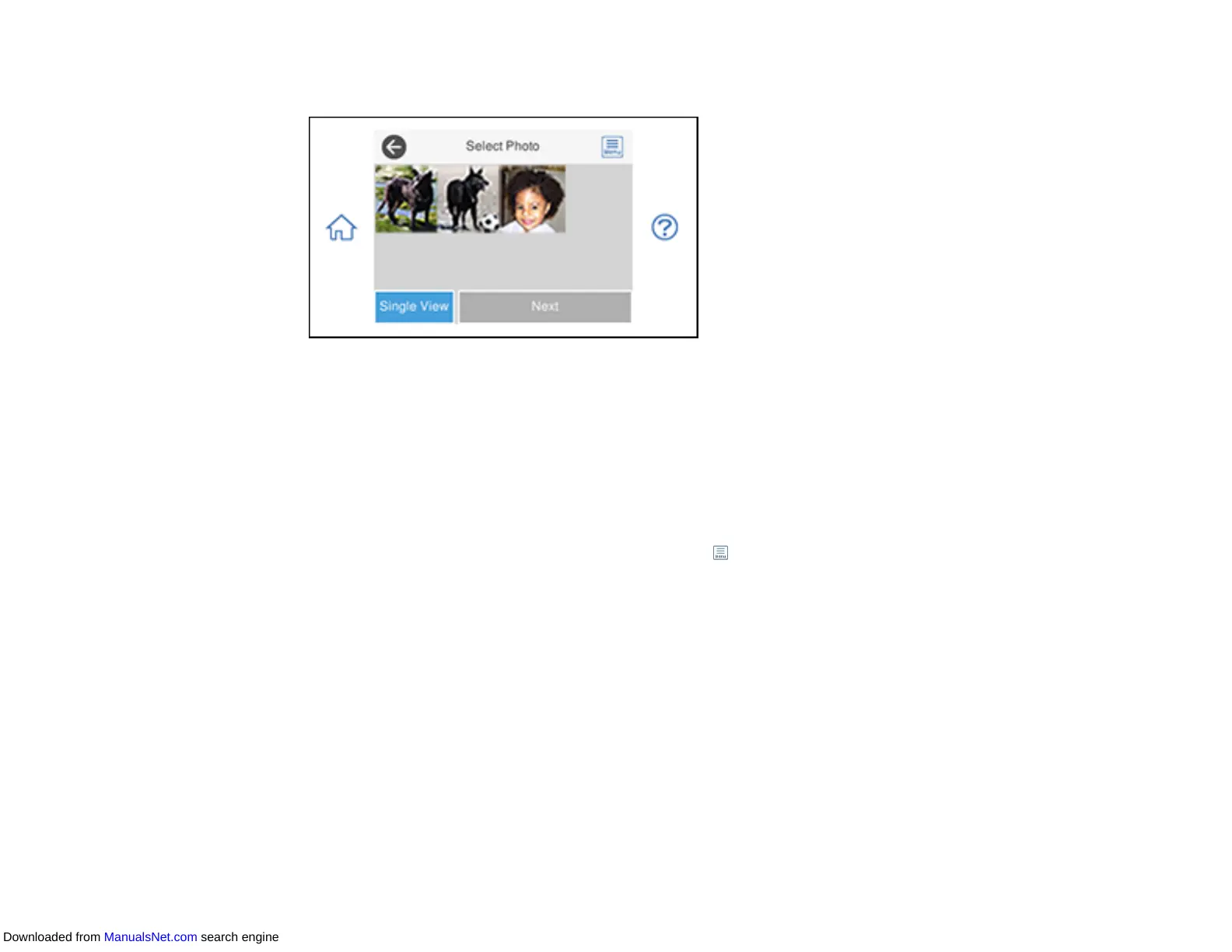
You see a screen like this:
6. Do one of the following to select your photos:
• Select the thumbnail images of the photos you want to print. Each photo you select has a number
on it to indicate the number of prints you selected.
Note: If you want to print multiple copies of a photo, select Single View and press the + or - button
to adjust the number of prints. Select Tile View to return to the thumbnail image view and select
additional photos.
• To select all photos or a group of photos, select the menu icon and select Select All Photos.
Note: The number of prints you select for each photo will be multiplied by the number of copies you
select before printing.
7. If you need to edit a photo, select Single View during photo selection and press the left or right
arrow button to scroll to the photo you want to edit.
Downloaded from ManualsNet.com search engine



 To Next Page