66
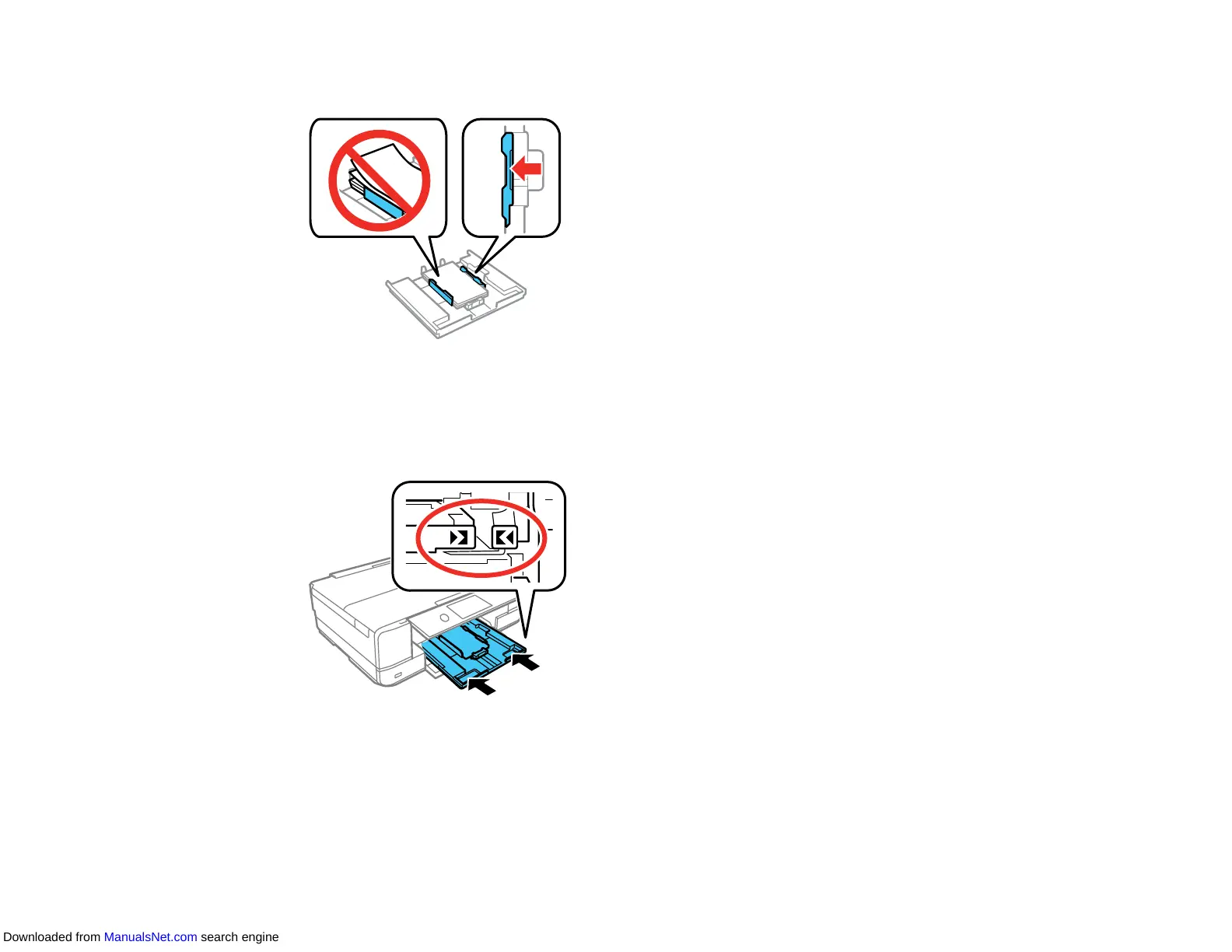
8. Slide the side edge guides against the paper, but not too tightly.
Note: Make sure the paper fits under the tabs on the edge guides.
9. Keeping the cassette flat, slide it into your product. Align the edge of the cassette to your product
using the alignment marks as shown.
Note: If you slide the cassette too far into the product, turn the product off and on again. The
cassette moves to the correct position.
10. Lower the control panel.
Downloaded from ManualsNet.com search engine



 To Next Page